


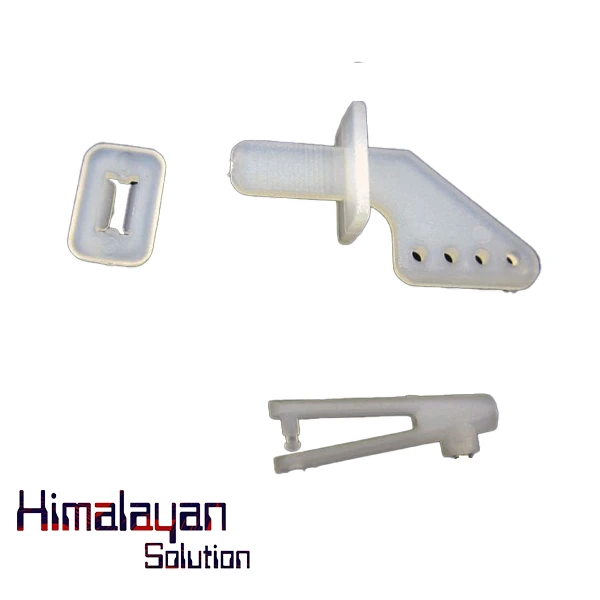
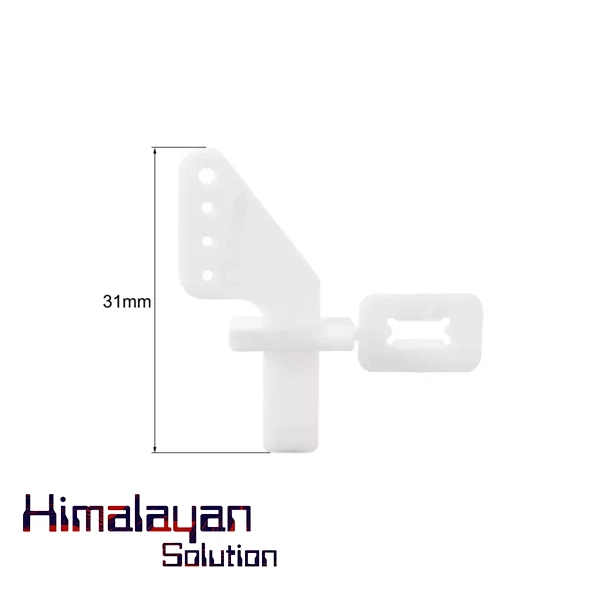
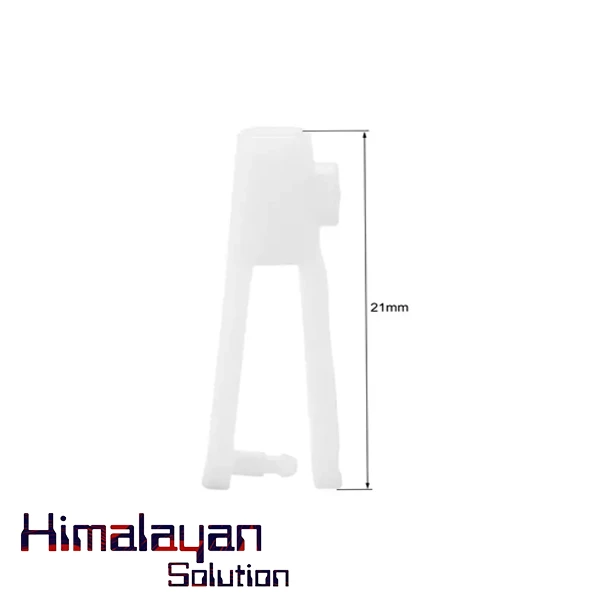
4-Hole Nylon Pin Control Horns and Clevis Kit
The 4-Hole Nylon Pin Control Horns and Clevis Kit is designed for RC planes, boats, and other servo-controlled applications, ensuring precise and reliable movement of control surfaces. Features: Durable Nylon Construction – Lightweight yet strong, resistant to wear and tear. 4-Hole Design – Offers multiple mounting pos...
Read moreThe 4-Hole Nylon Pin Control Horns and Clevis Kit is designed for RC planes, boats, and other servo-controlled applications, ensuring precise and reliable movement of control surfaces.
Features:
- Durable Nylon Construction – Lightweight yet strong, resistant to wear and tear.
- 4-Hole Design – Offers multiple mounting positions for fine-tuning control linkage.
- Clevis with Secure Locking Mechanism – Ensures a firm connection between pushrods and control surfaces.
- Universal Compatibility – Works with various pushrod sizes, commonly 2mm or 2.5mm.
- Easy Installation – Includes backing plates and mounting screws for secure attachment.
Applications:
- RC airplanes (ailerons, rudders, elevators, flaps).
- RC boats (rudders).
- RC cars (steering linkages).
- Other servo-controlled mechanisms requiring precise motion transfer.
How to Use:
1. Install the Control Horn on the Control Surface
- Identify the correct position for the control horn (rudder, elevator, aileron, etc.).
- Align the base of the control horn with the control surface so the holes are in line with the pushrod’s movement.
- Use the included screws to secure the horn, threading them through the holes and into the backing plate on the other side (if applicable).
2. Attach the Clevis to the Control Horn
- Insert the clevis pin into one of the four holes on the control horn. Choose a hole based on your required control throw (closer to the surface = less throw, farther = more throw).
- Snap the clevis closed to secure it to the horn. Some clevises have a locking sleeve that should be slid over the snap link to prevent accidental opening.
3. Connect the Clevis to the Pushrod
- Thread the pushrod through the clevis and secure it by screwing it in.
- Adjust the pushrod length so the control surface is centered in the neutral position.
4. Test and Adjust
- Move the control surface manually to ensure smooth movement and no binding.
- Power on the servo system and test movement via the transmitter.
- If adjustments are needed, unsnap the clevis and rotate it to lengthen or shorten the pushrod.
Related products
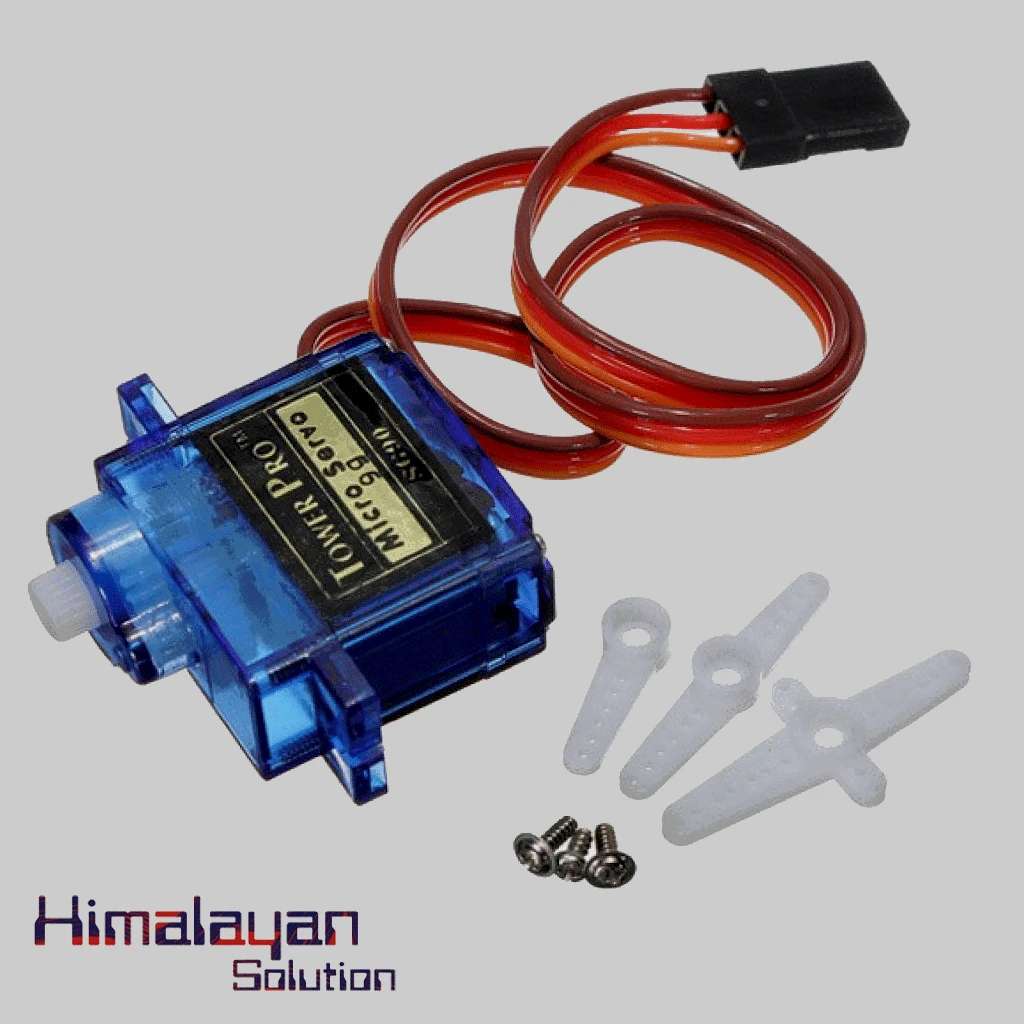
SG90 Servo Motor Plastic Gear SG90 180 Degree
Login to see price
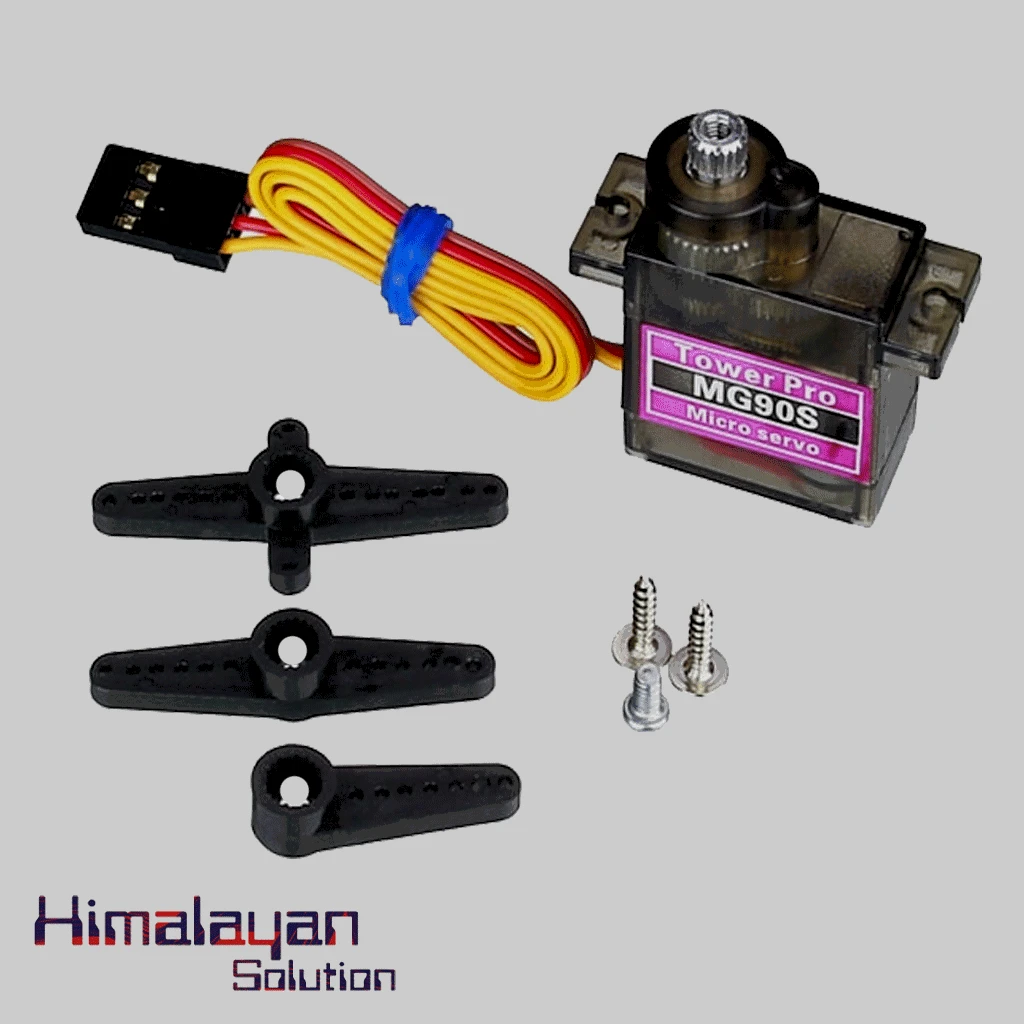
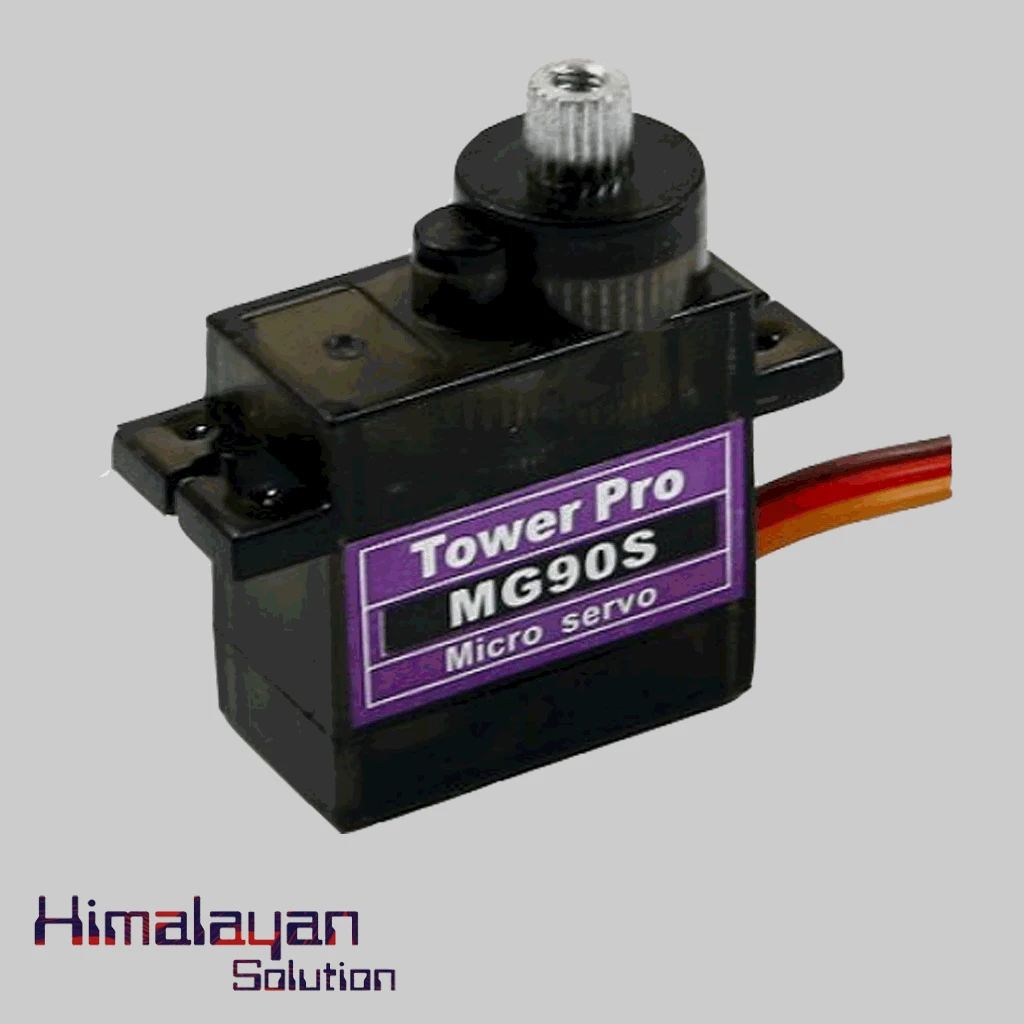
MG90S Servo Motor Gear
Login to see price
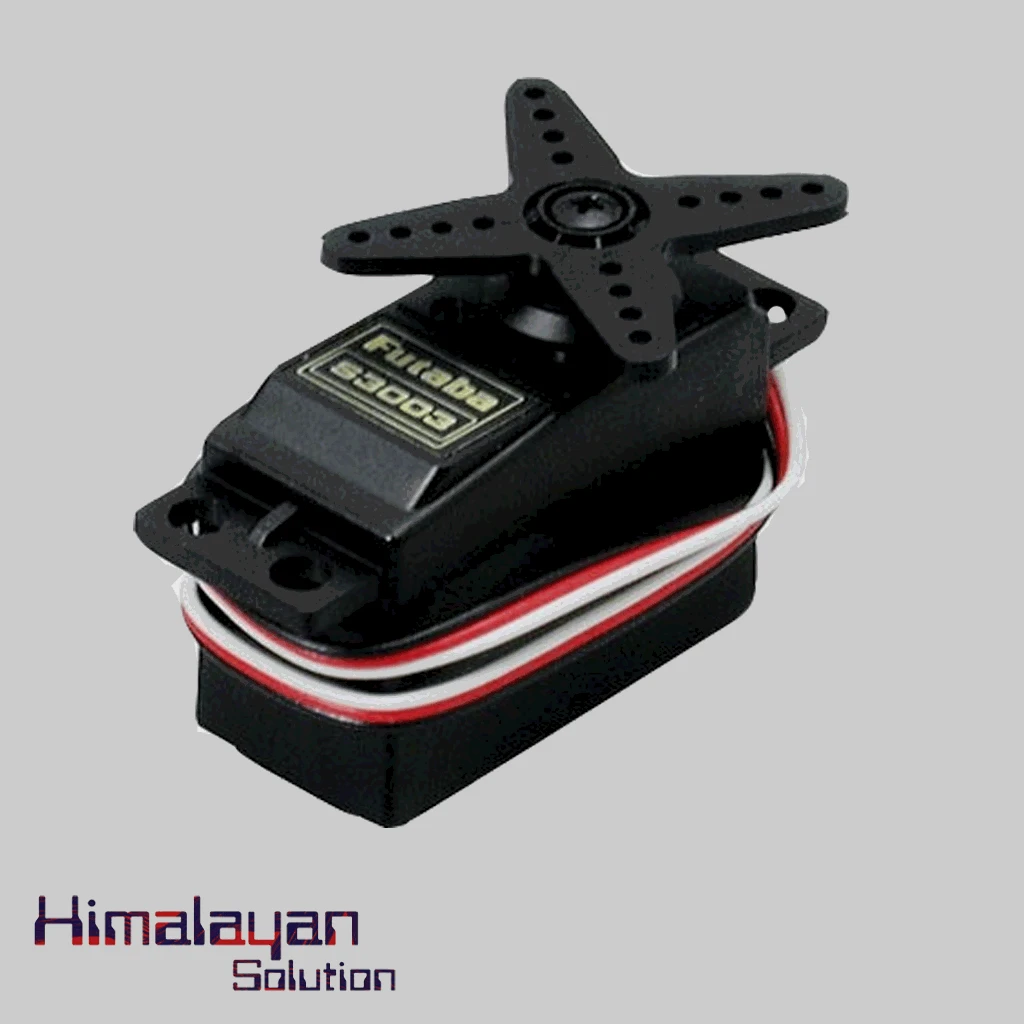
Futaba S3003 Servo Motor
Login to see price
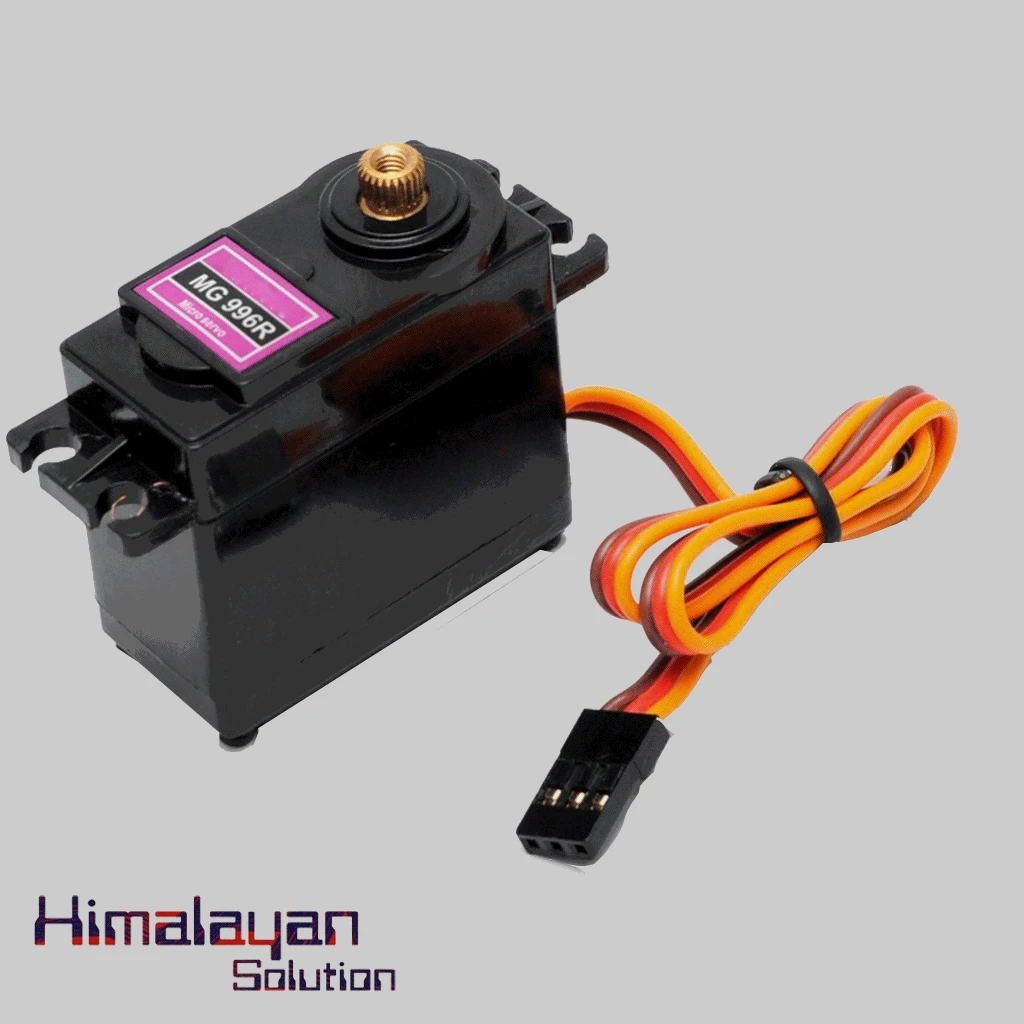
MG996R Servo Motor
Login to see price
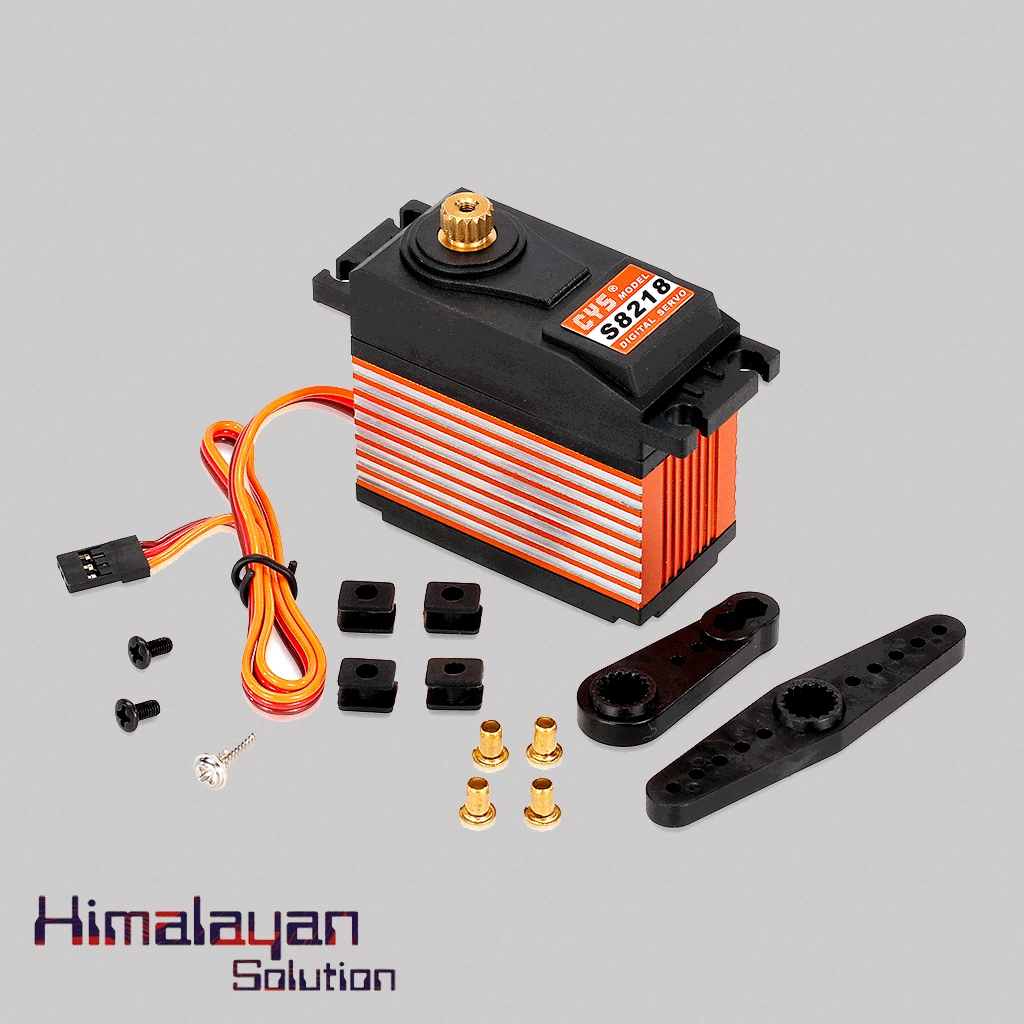
S8218 Digital Servo Motor 40kg
Login to see price
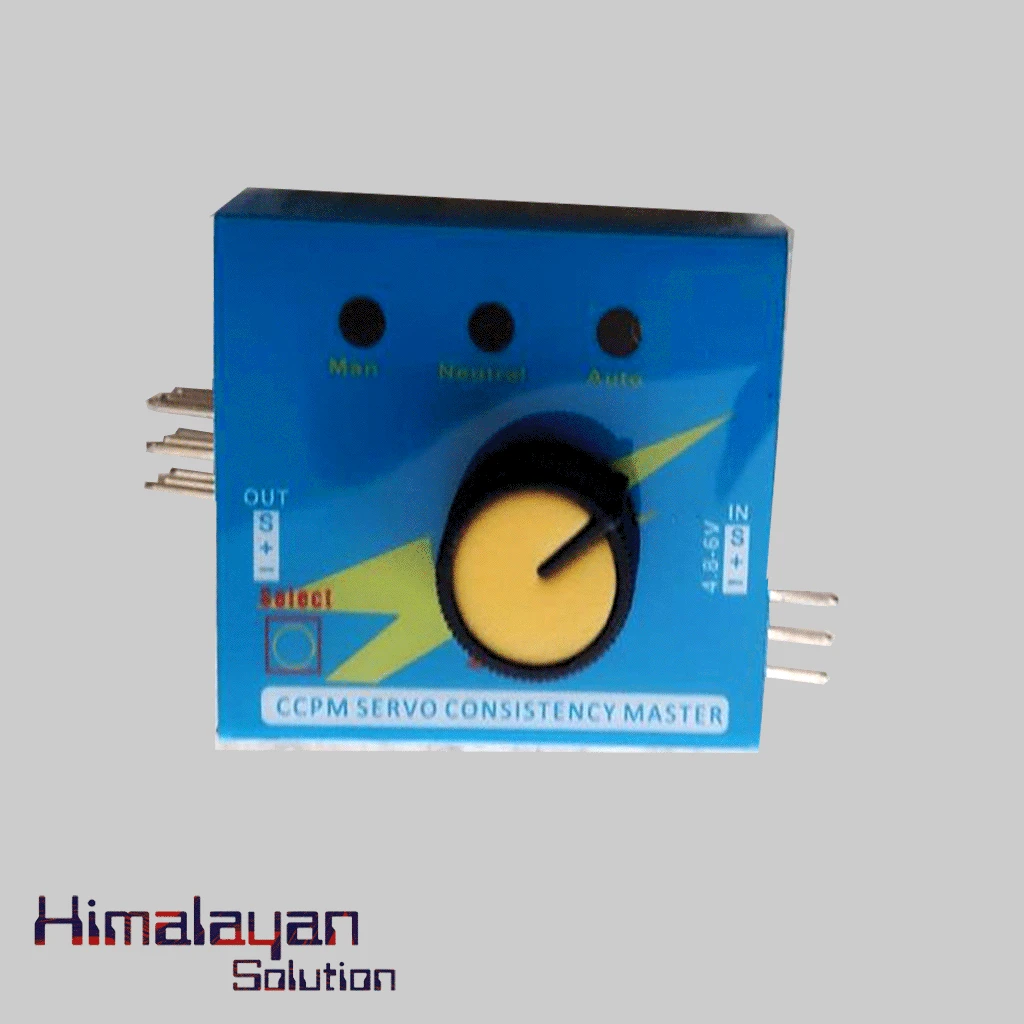
Servo Tester
Login to see price
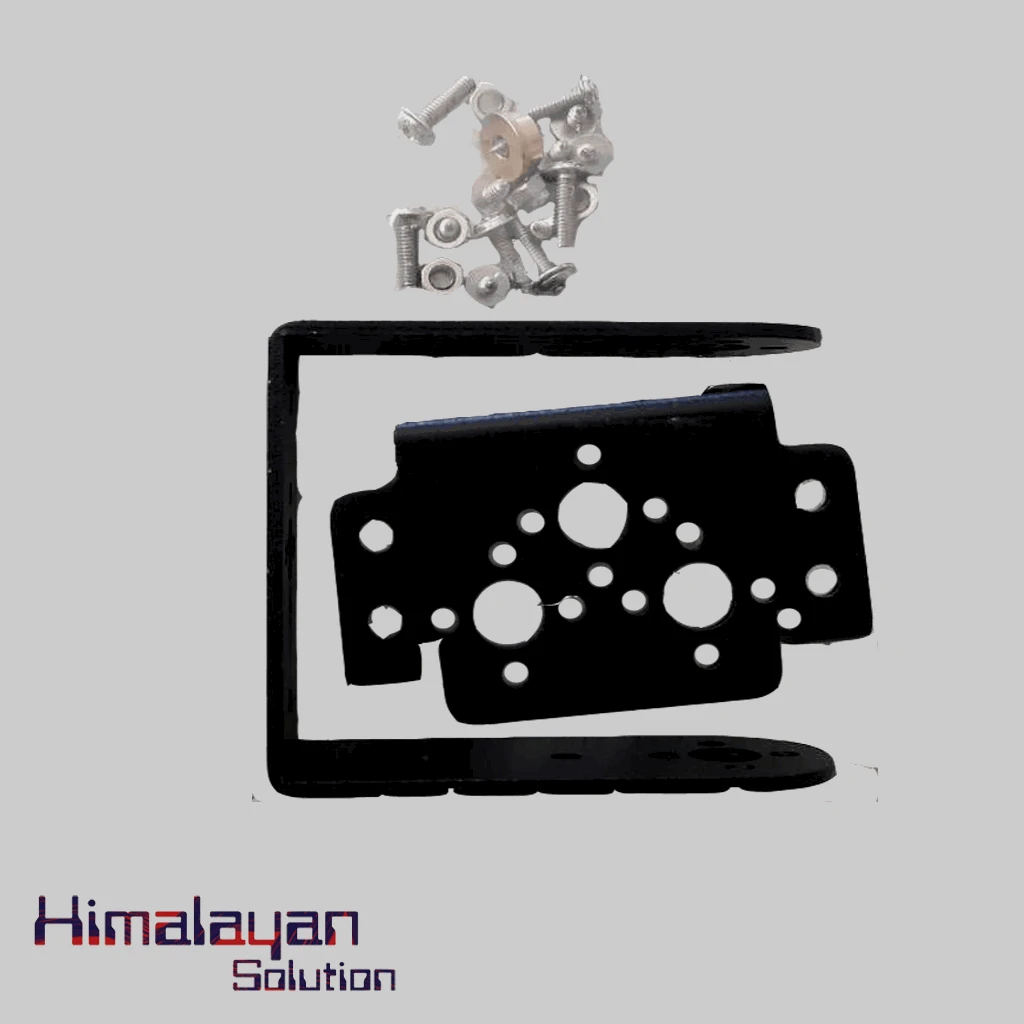
Servo Bracket
Login to see price
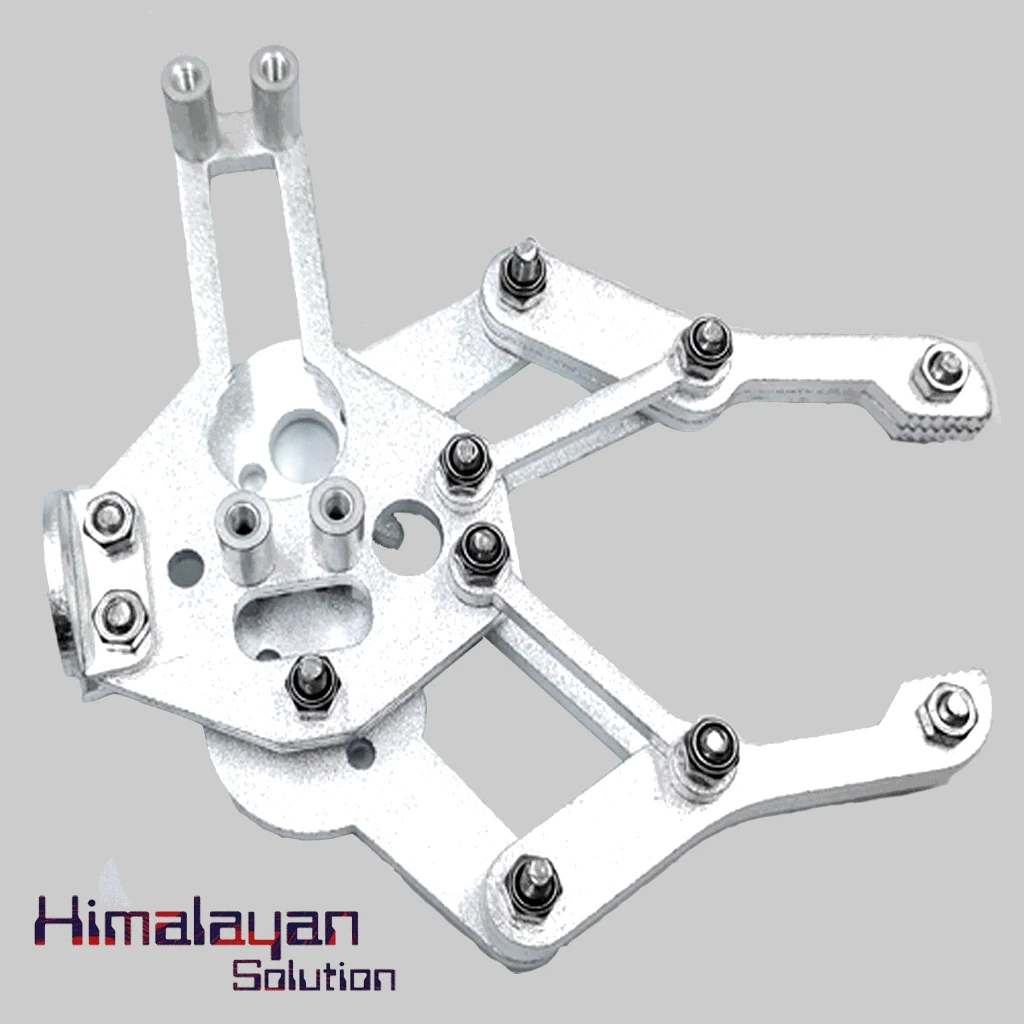
Robotic Arm
Login to see price
32 Servo Controller
Login to see price
TS8815R Servo Motor
Login to see price
Mg995 Servo Motor
Login to see price
Servo Extension Wire F To F
Login to see price
Mg996 Servo 360
Login to see price
Dm-s0911m Servo Motor
Login to see price
Servo Bracket Single
Login to see price
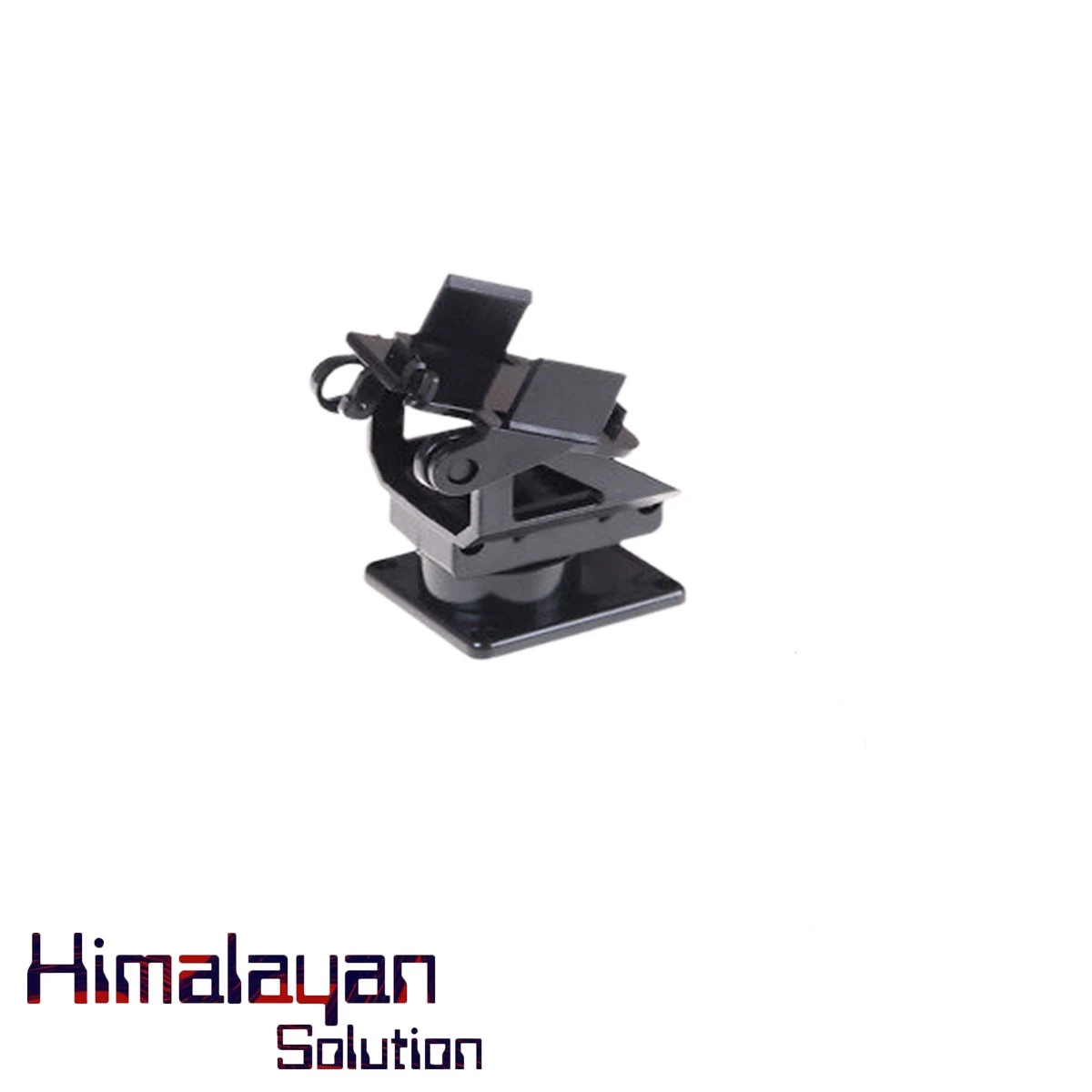
Servo Bracket Small
Login to see price
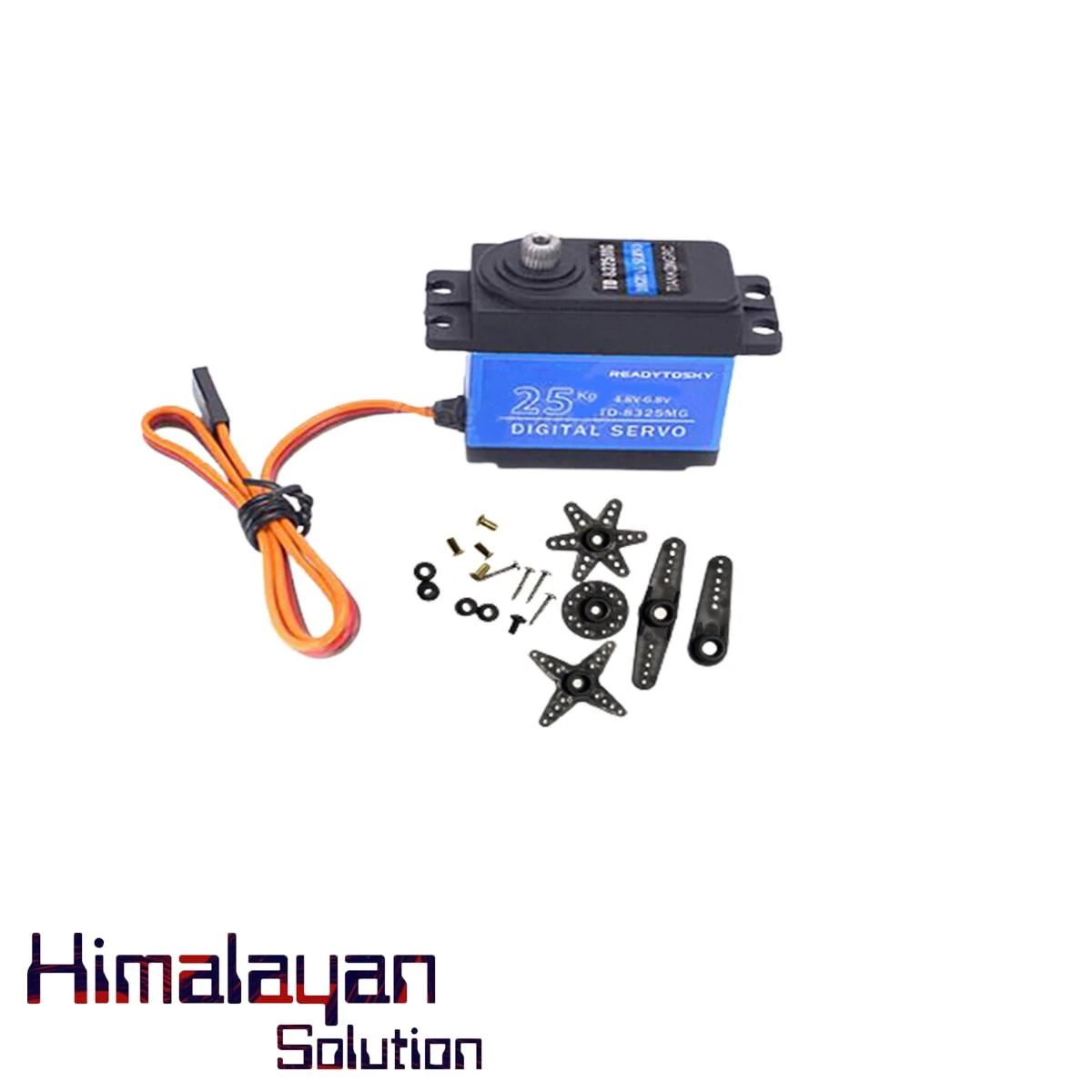
25kg Servo Motor
Login to see price
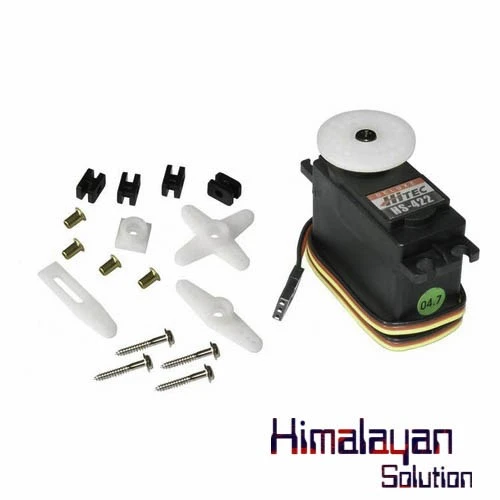
HS-422 Servo Motor
Login to see price
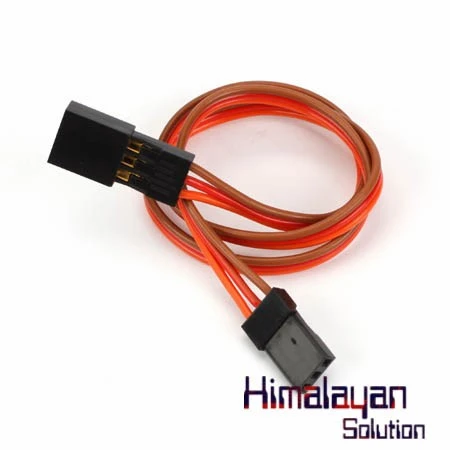
Servo Extention Wire 50cm
Login to see price
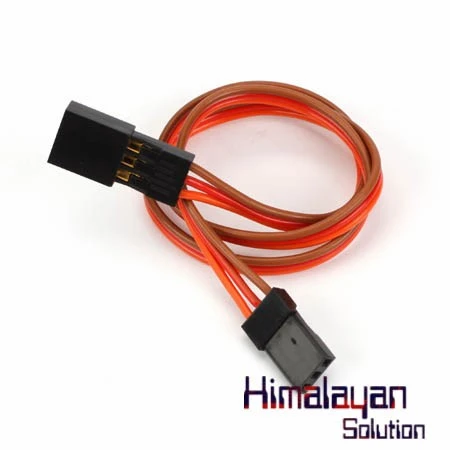
Servo Extention Wire 30cm
Login to see price
Frequently Bought Together
No frequently bought products found!
Products from this Seller
View All
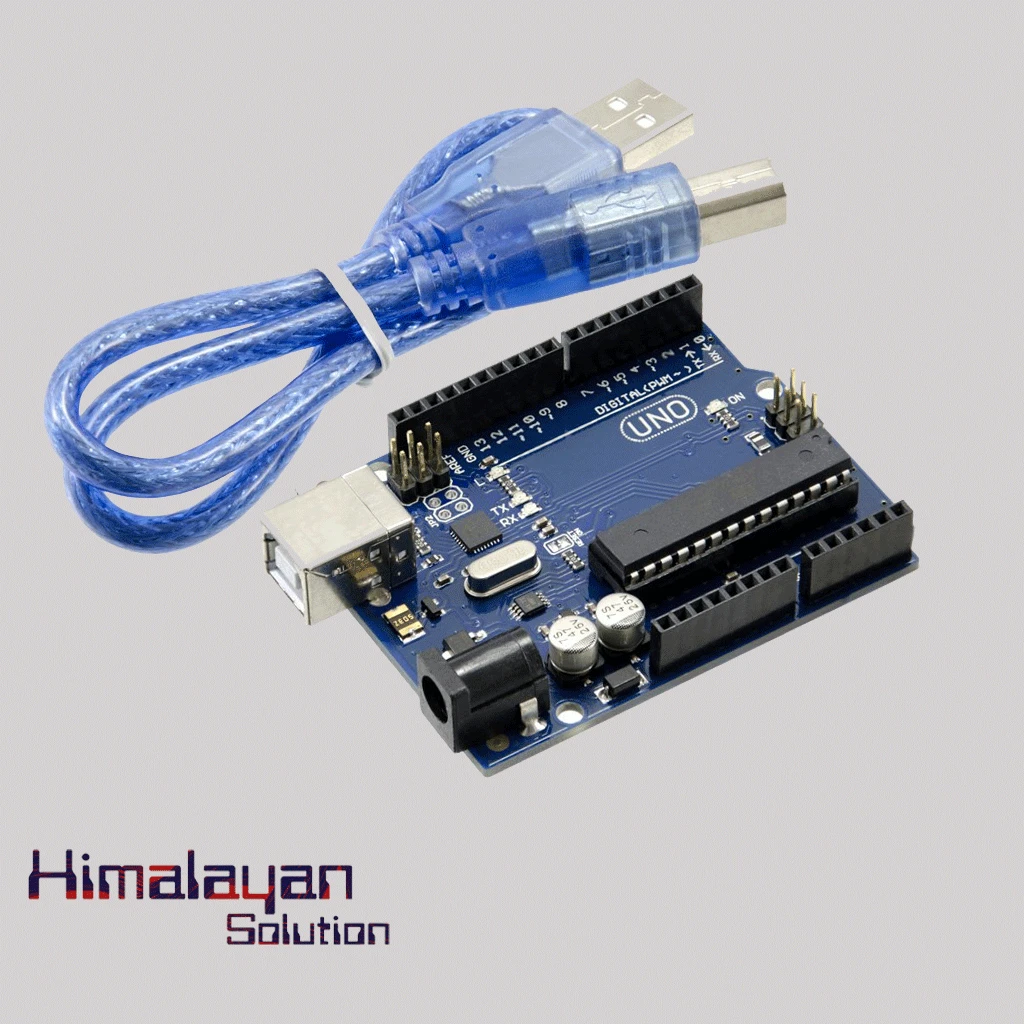
Arduino Uno R3 - Original Made in Italy without cable
Login to see price
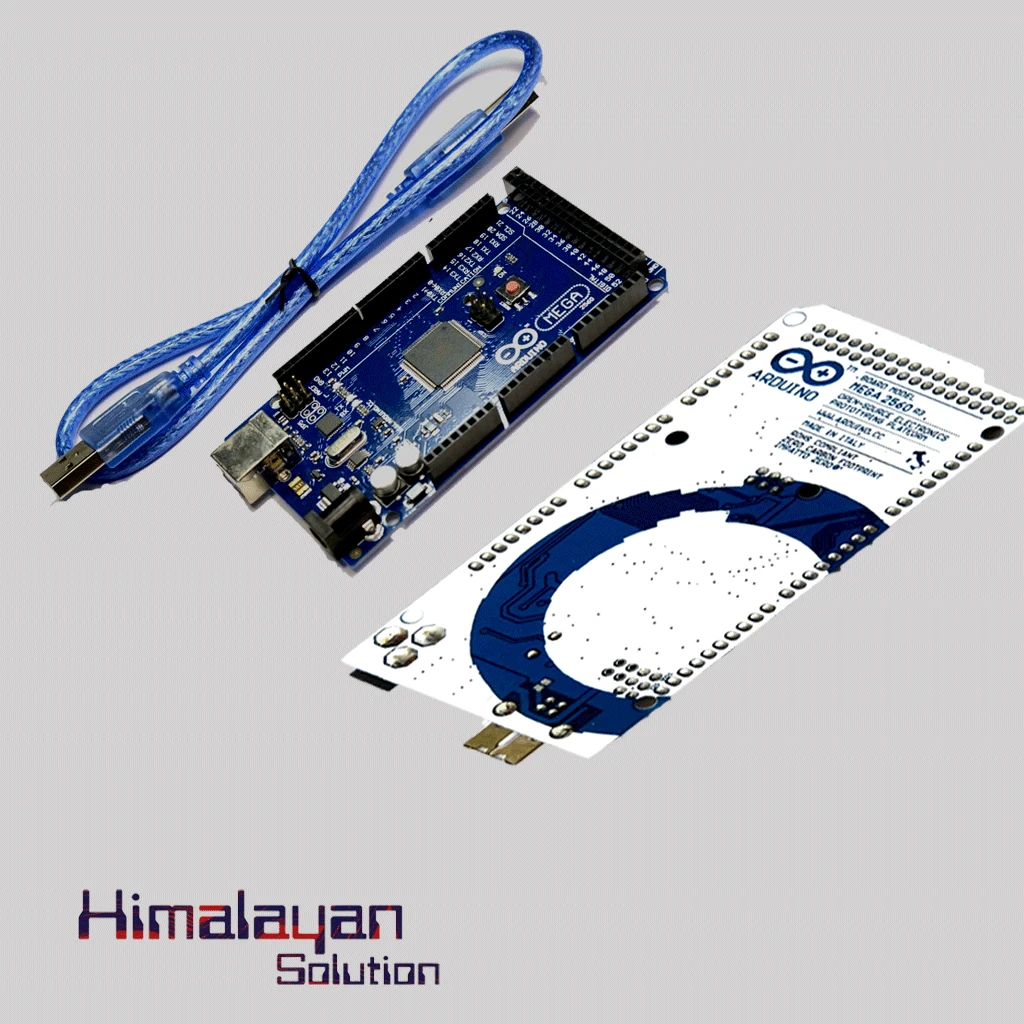
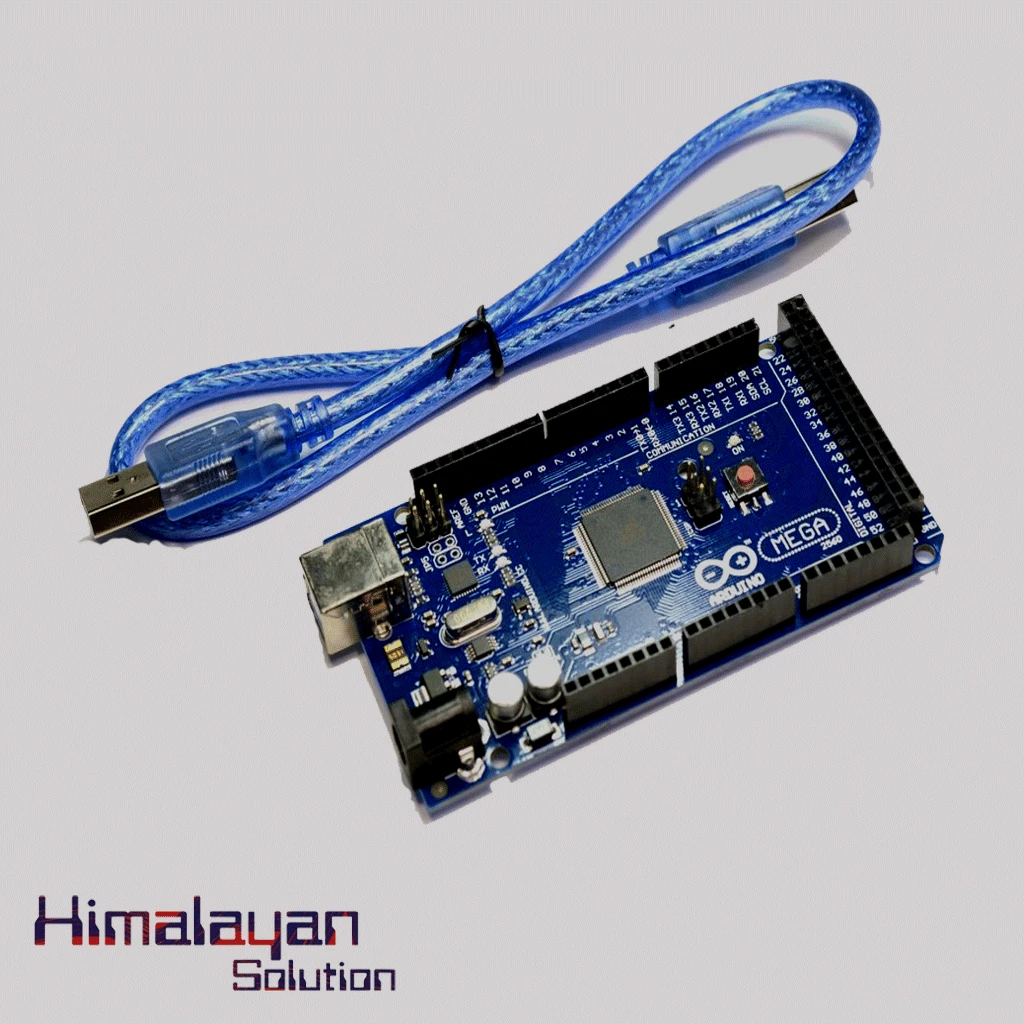
Arduino Mega 2560 without cable
Login to see price
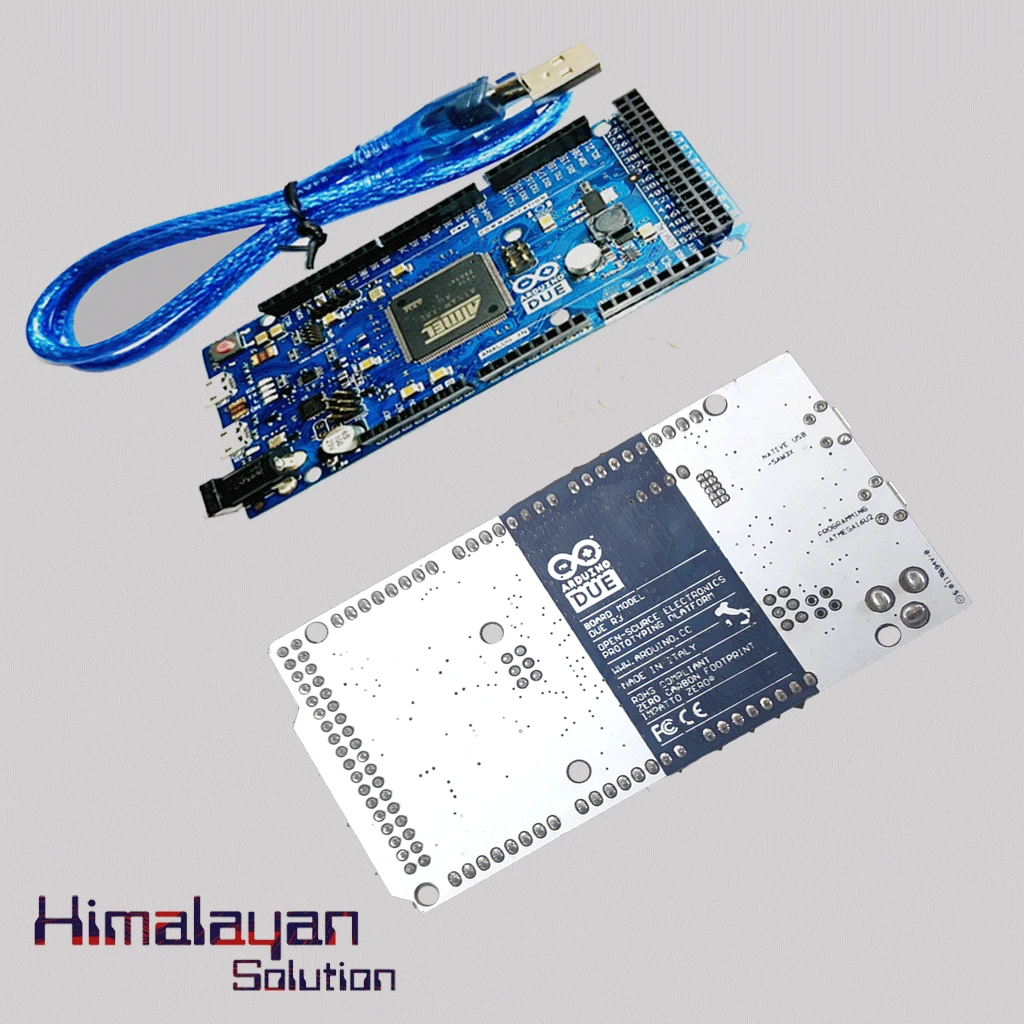
Arduino Due Board
Login to see price
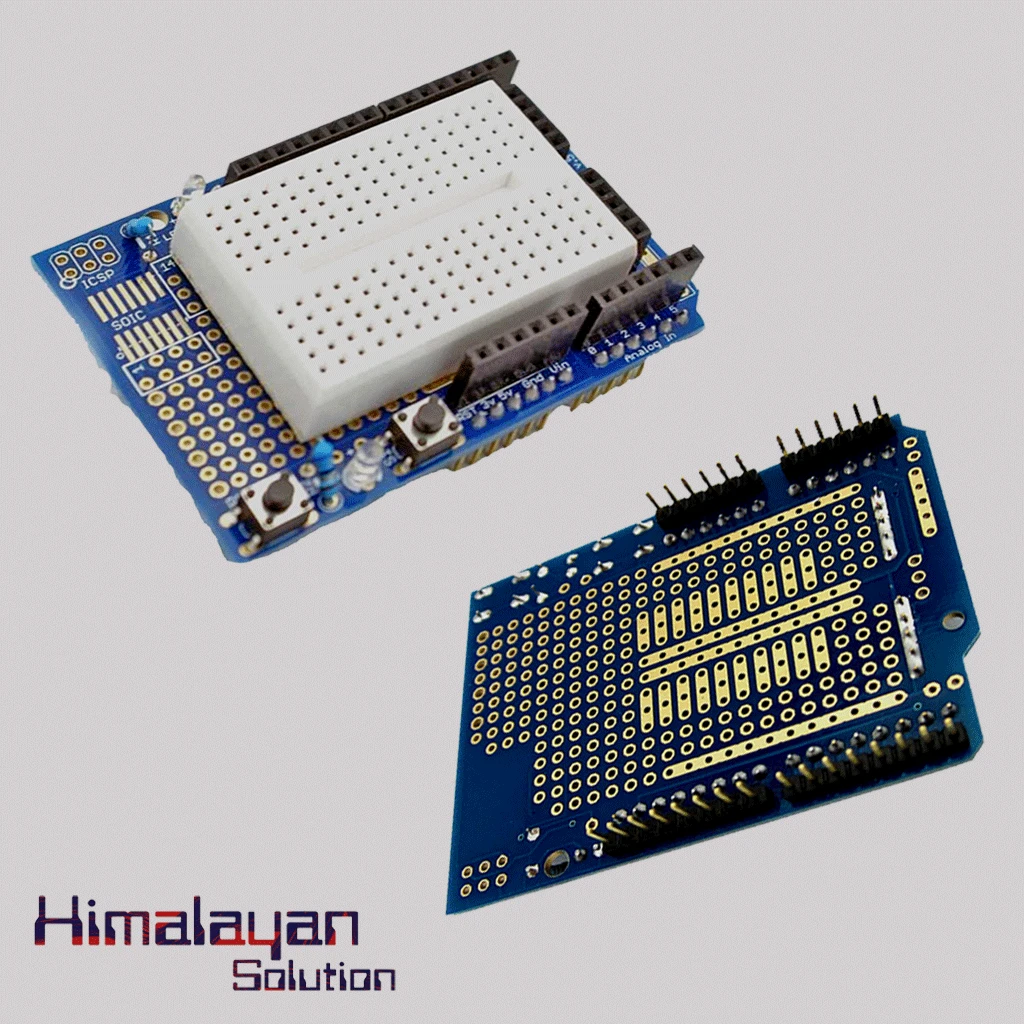

Arduino Uno Protype Shield
Login to see price
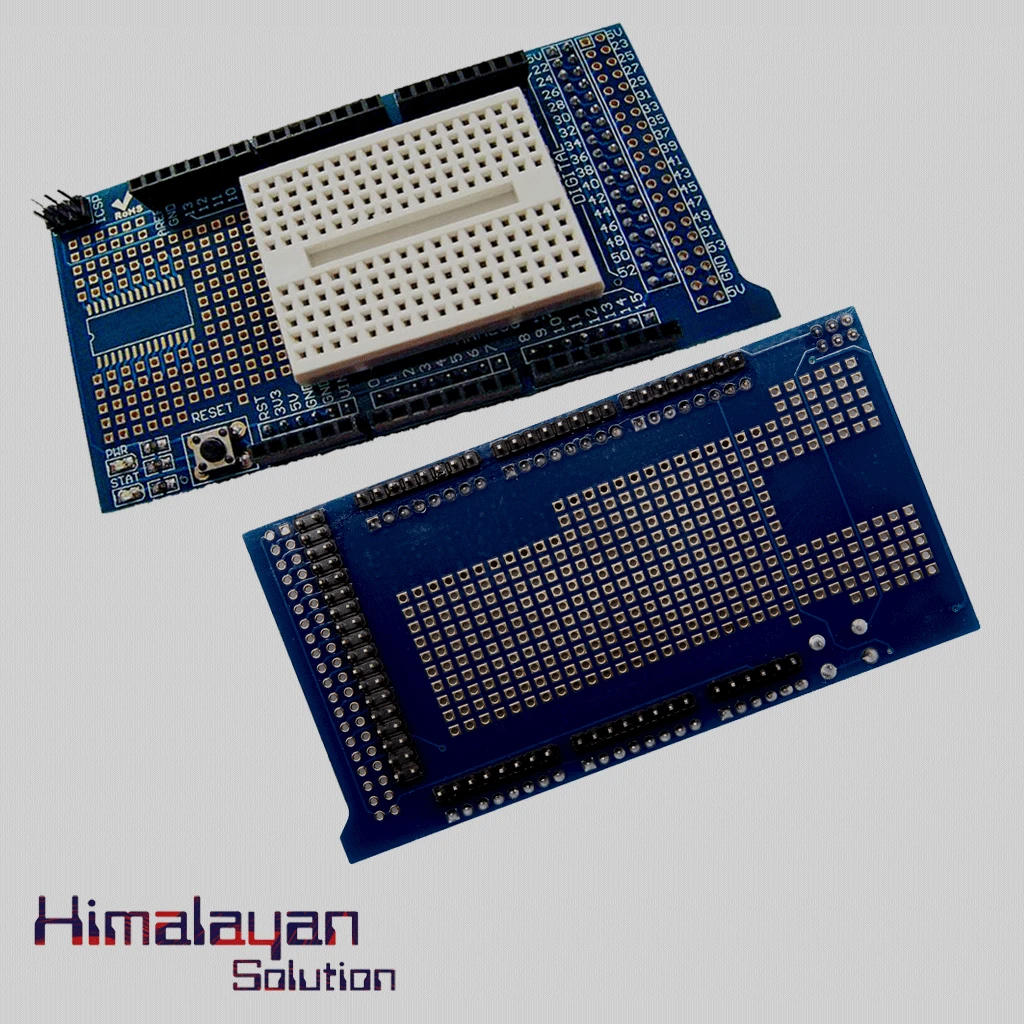
Arduino Mega Protype shield
Login to see price
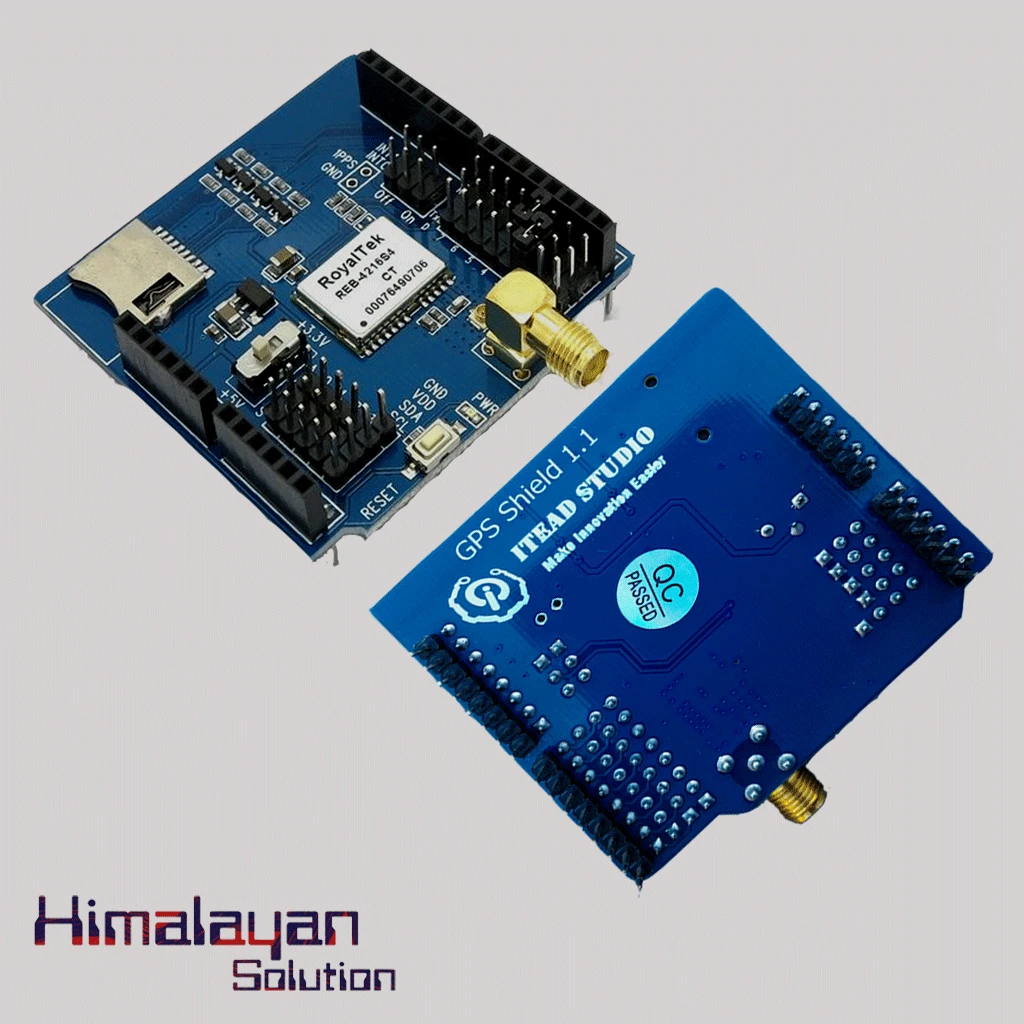
Arduino Gps Sheild
Login to see price
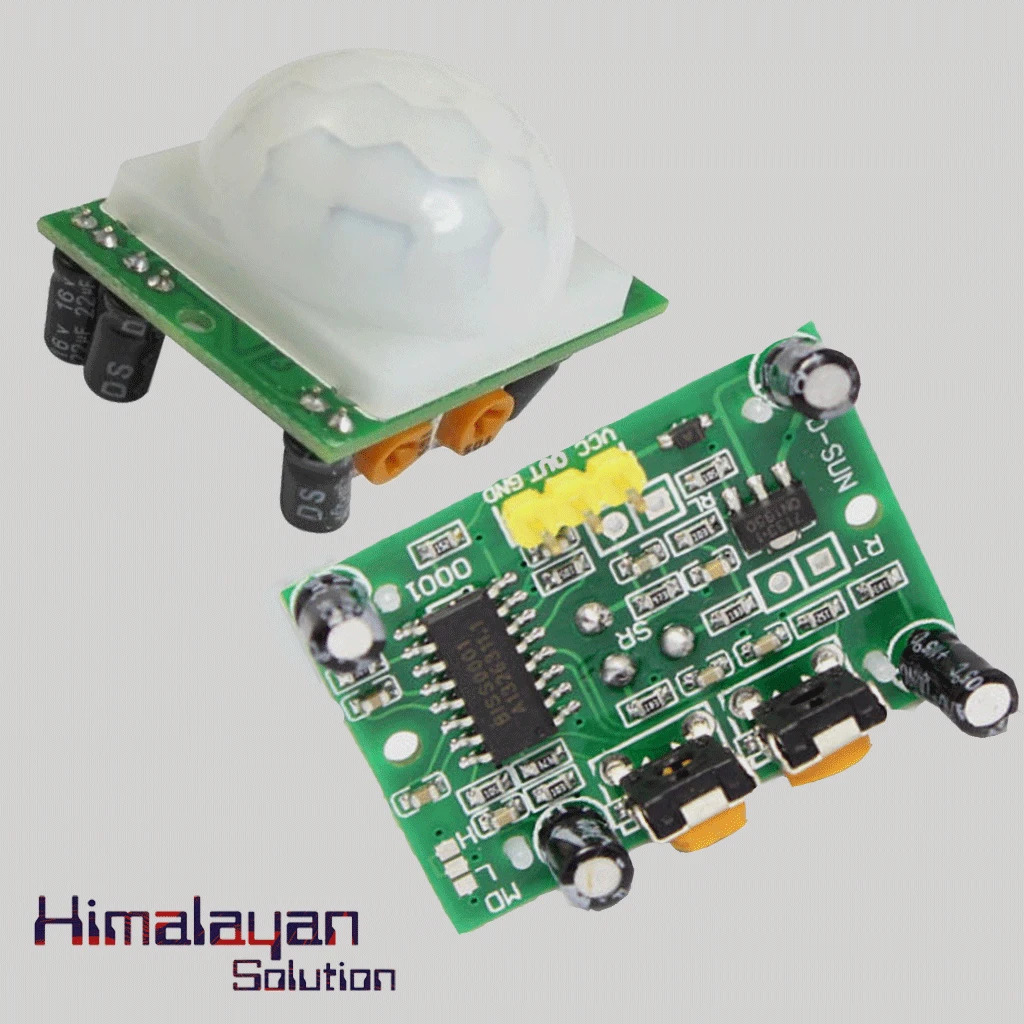
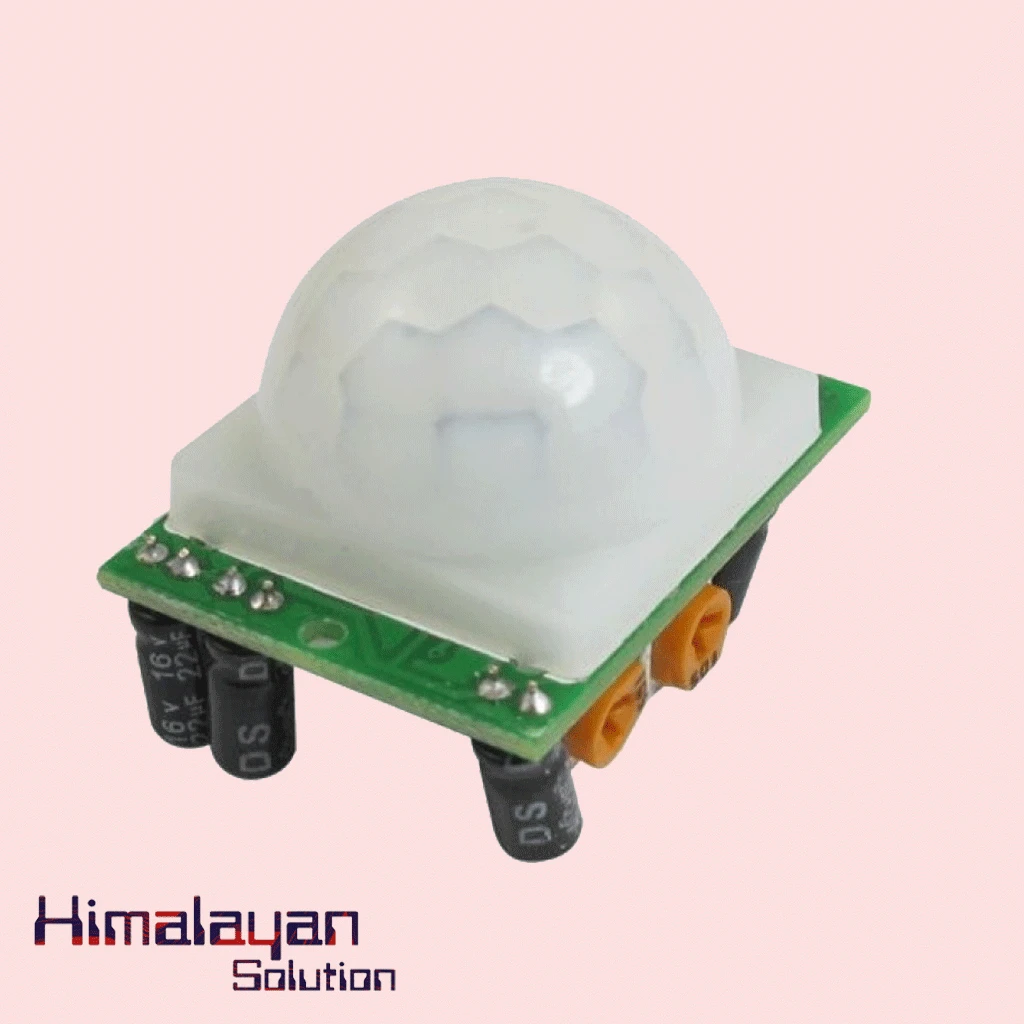
PIR Motion Sensor Detector Module HC SR501
Login to see price
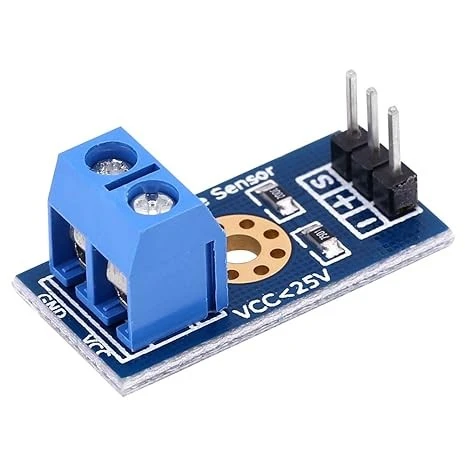

Voltage Sensor Module
Login to see price
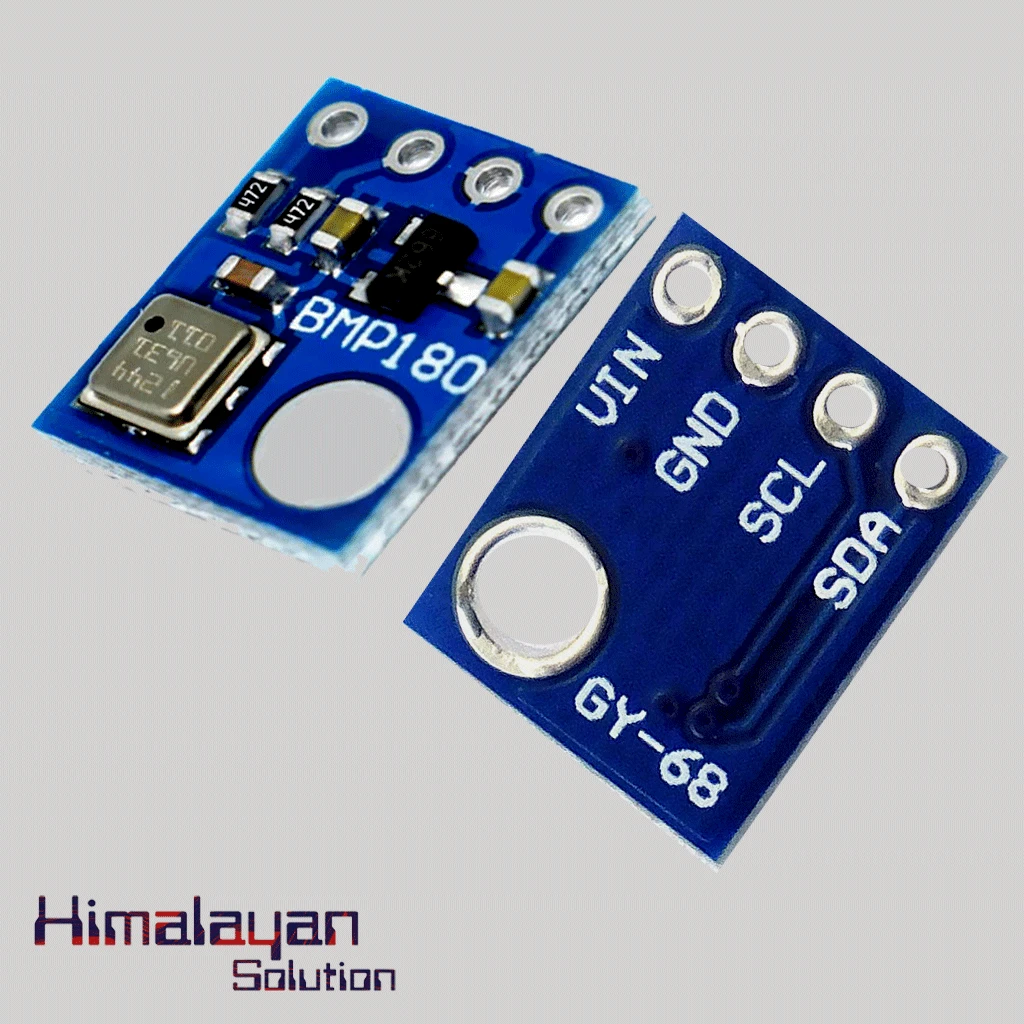
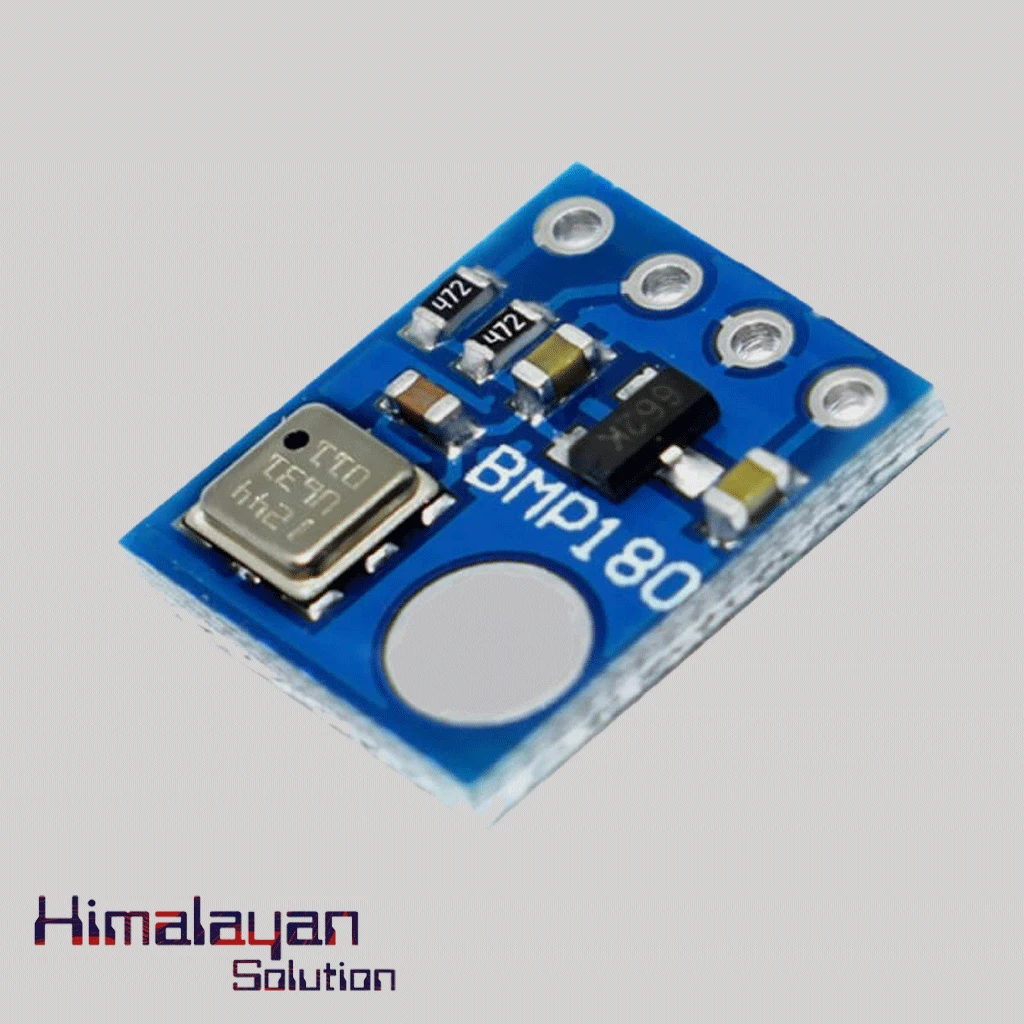
BMP180 Pressure Sensor
Login to see price
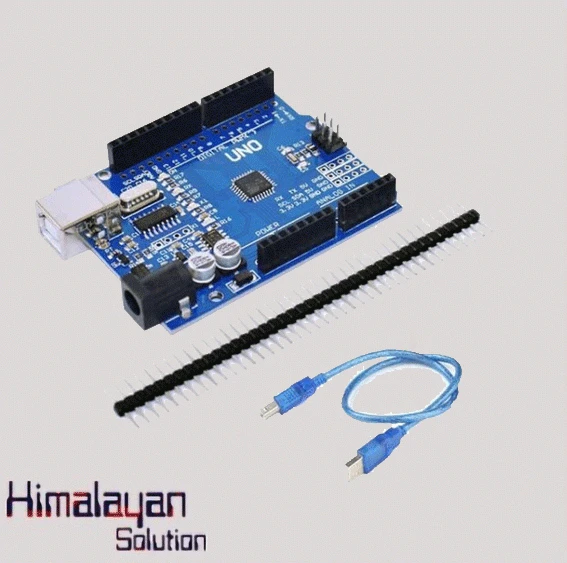
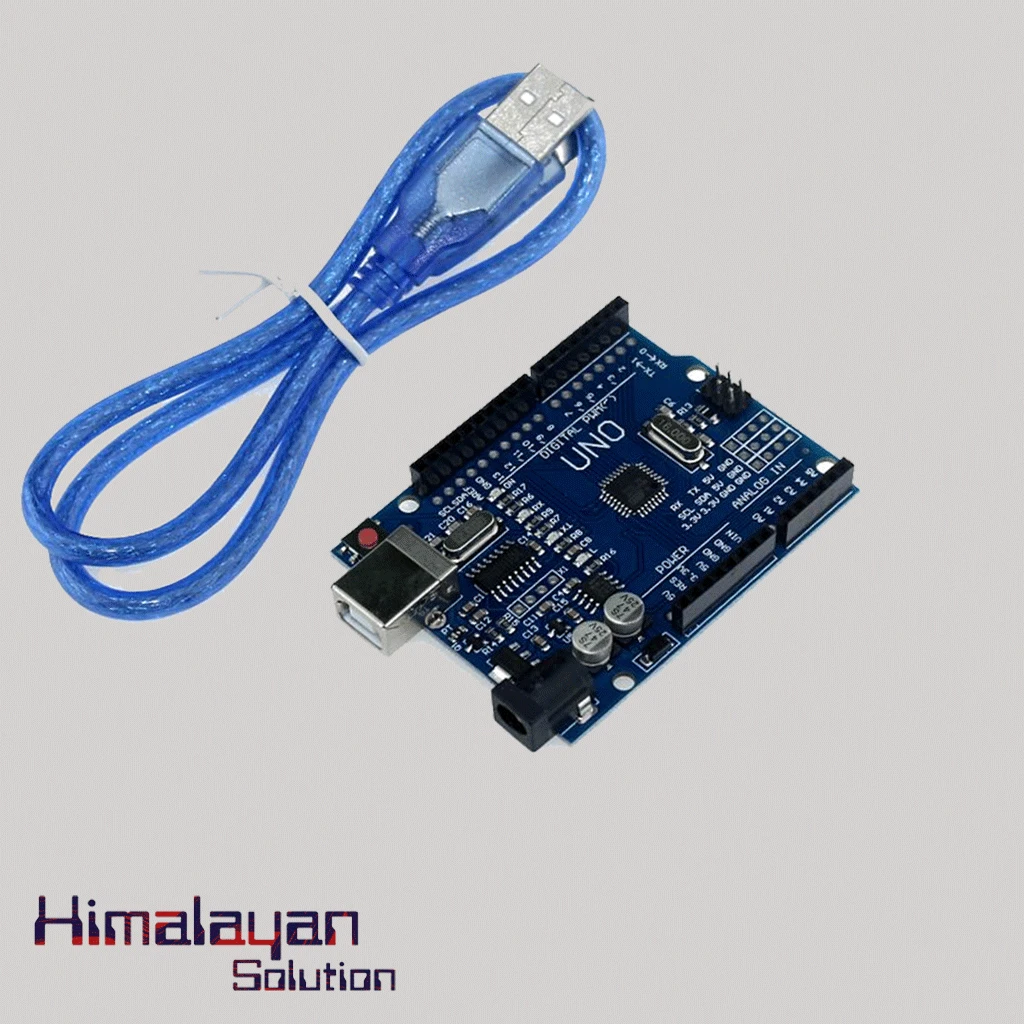
Arduino UNO R3 Clone without cable
Login to see price
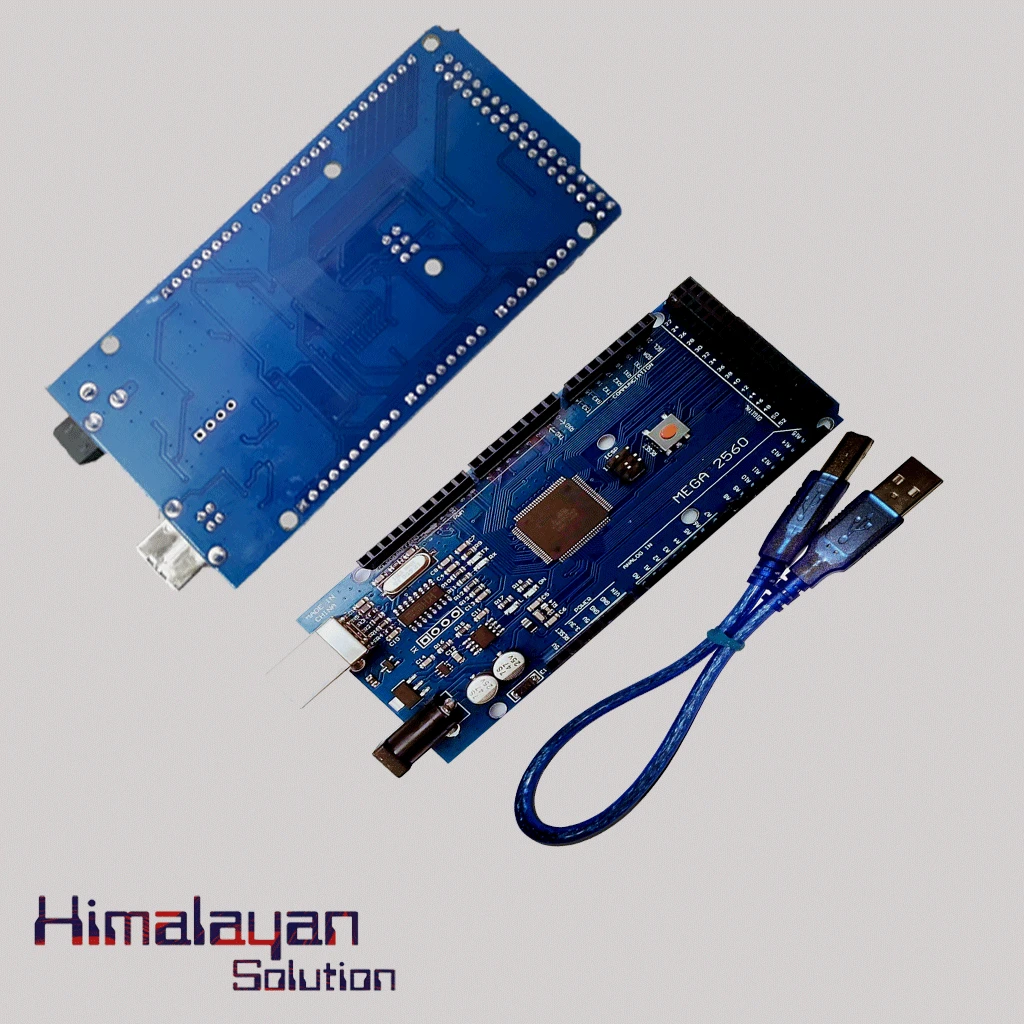
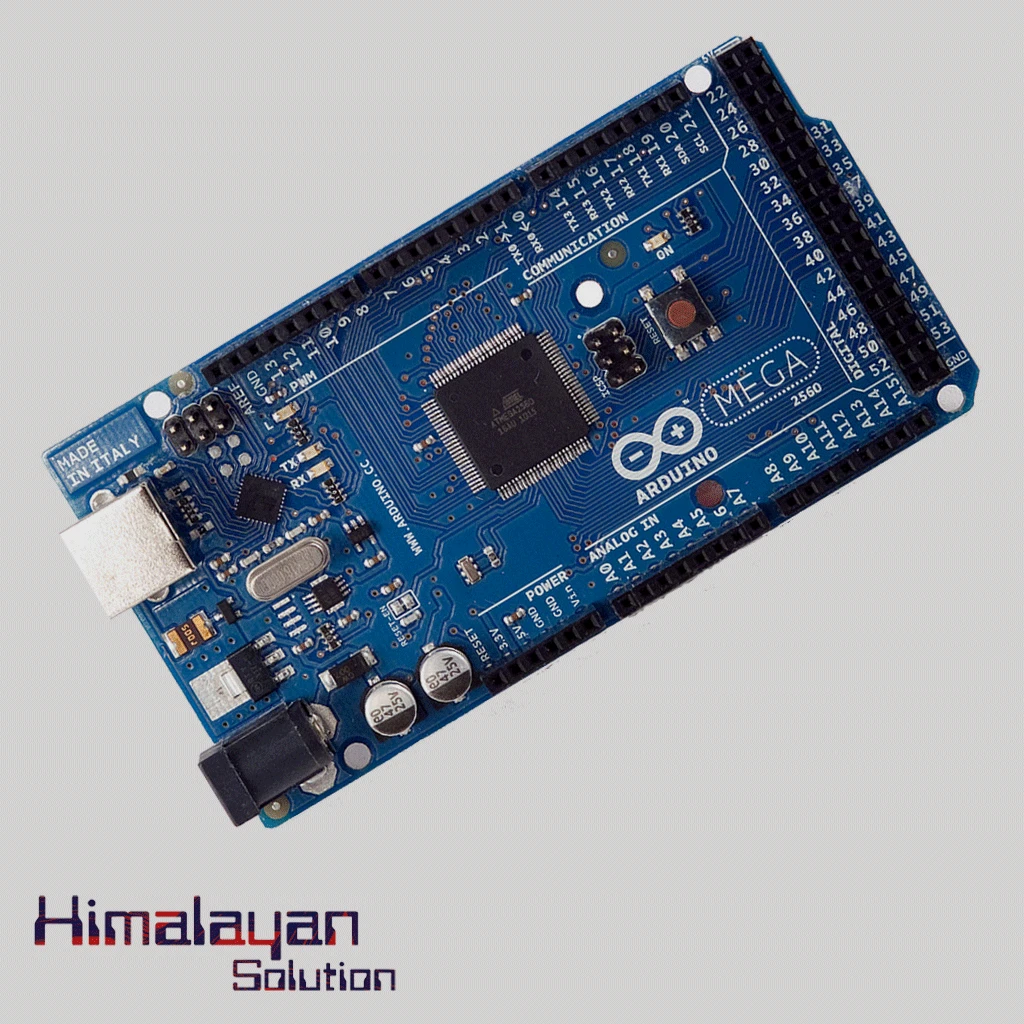
Arduino Mega 2560 Clone
Login to see price
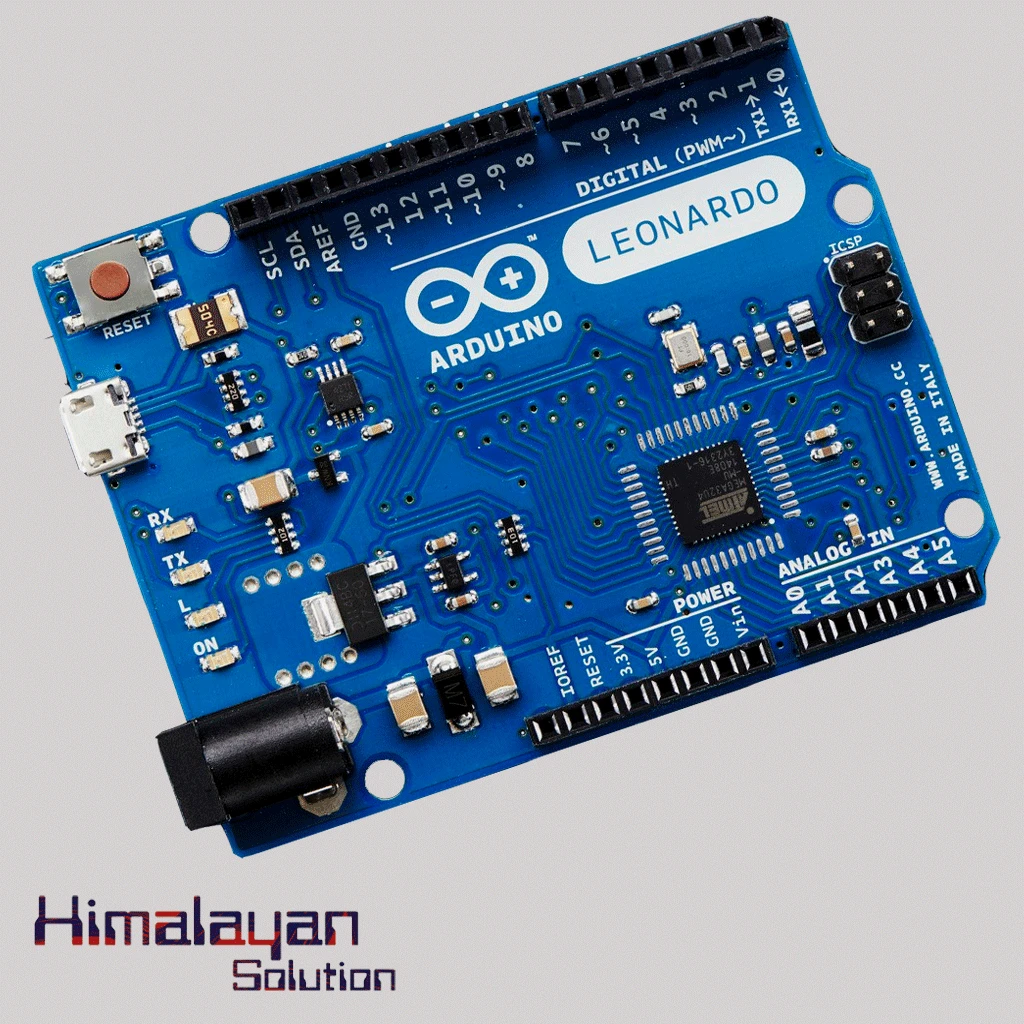
Arduino Leonardo
Login to see price
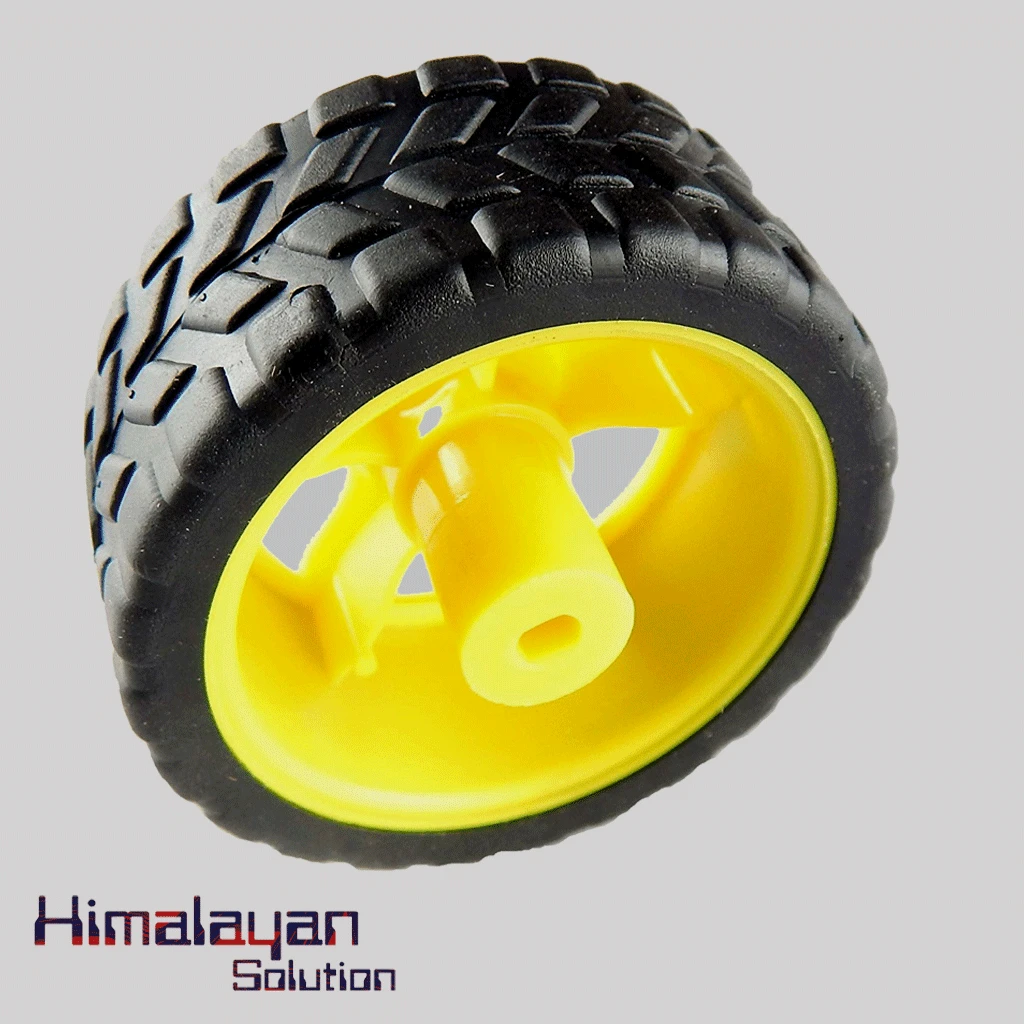
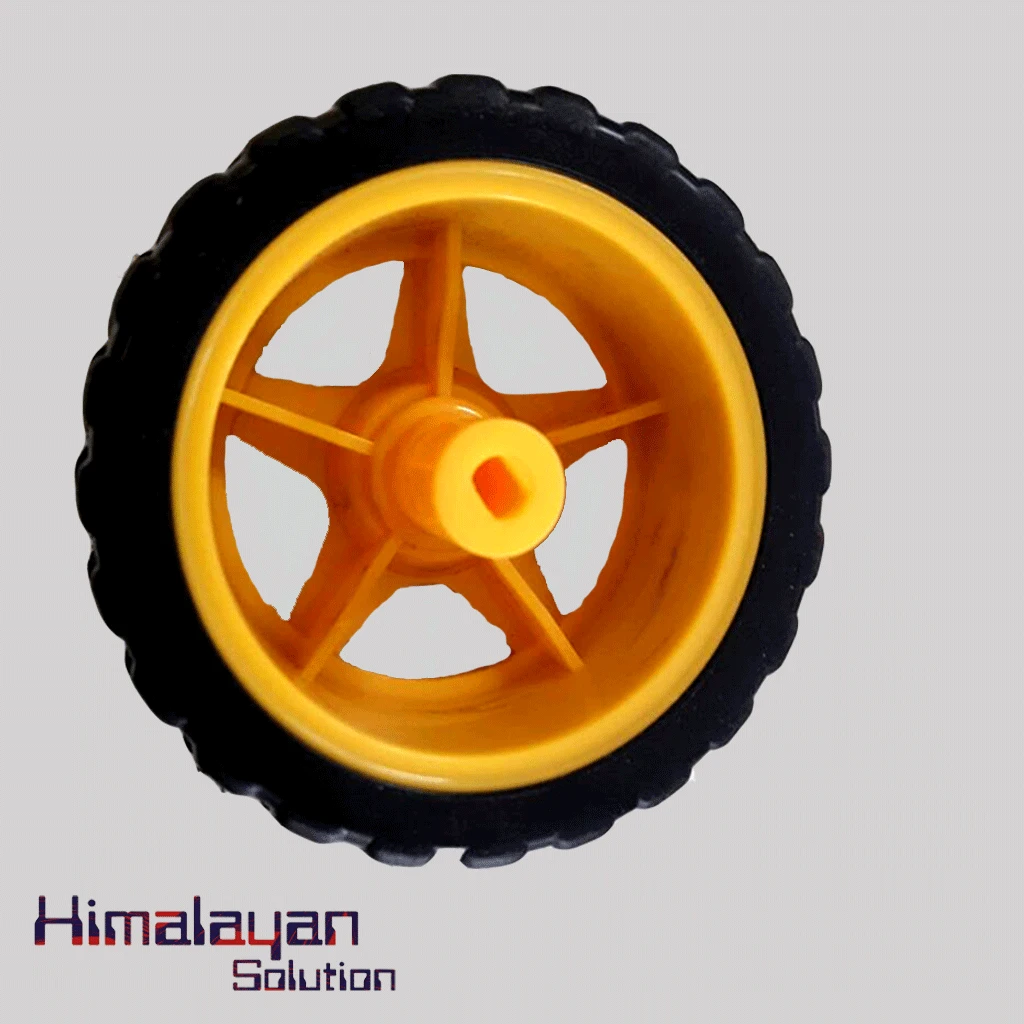
BO Motor Wheel Big
Login to see price
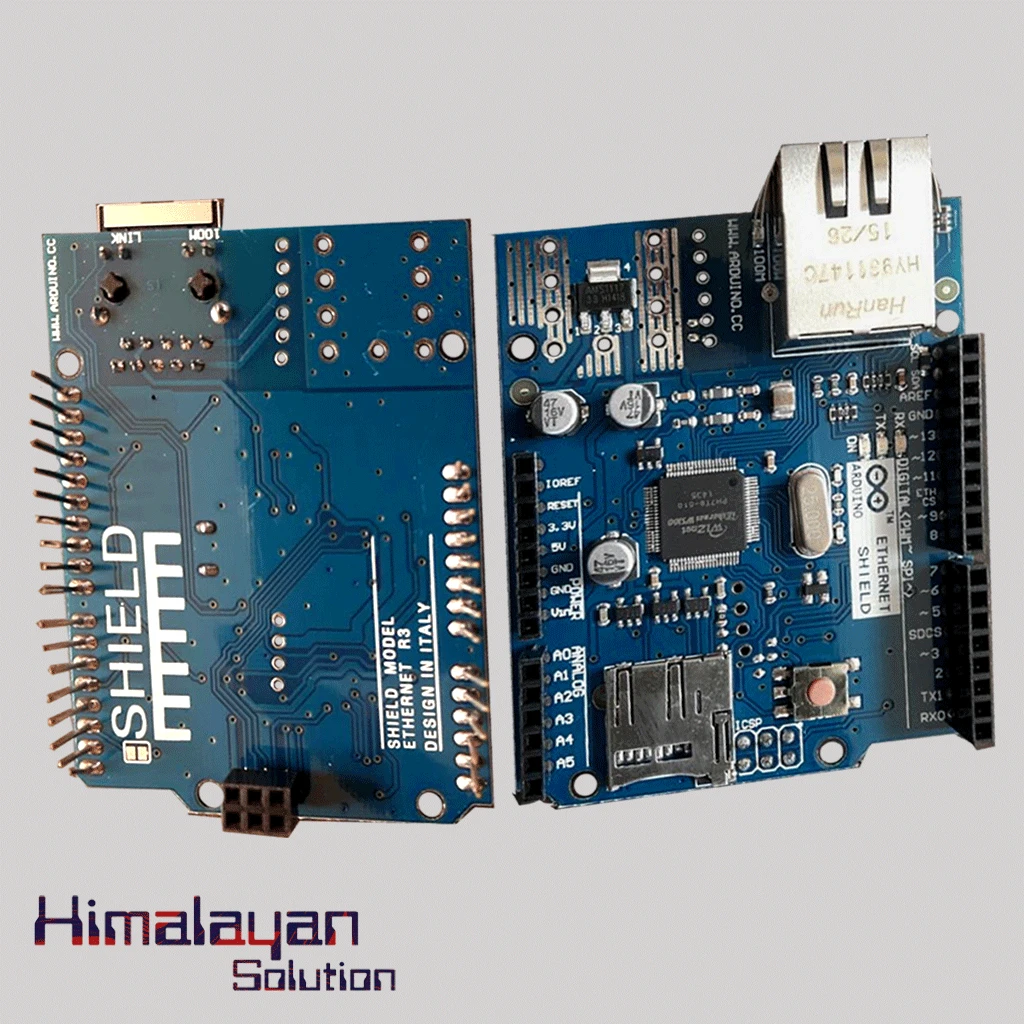
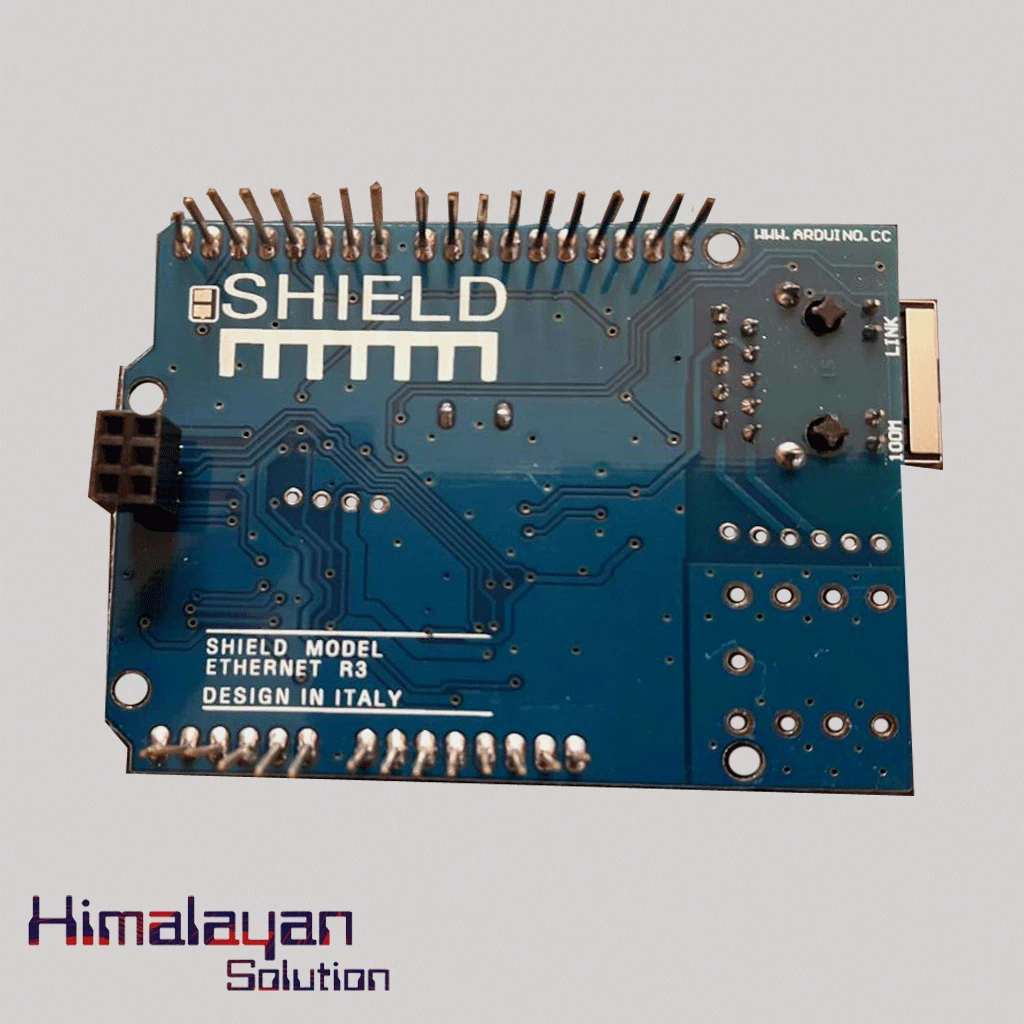
Ardunio Ethernet Shield
Login to see price
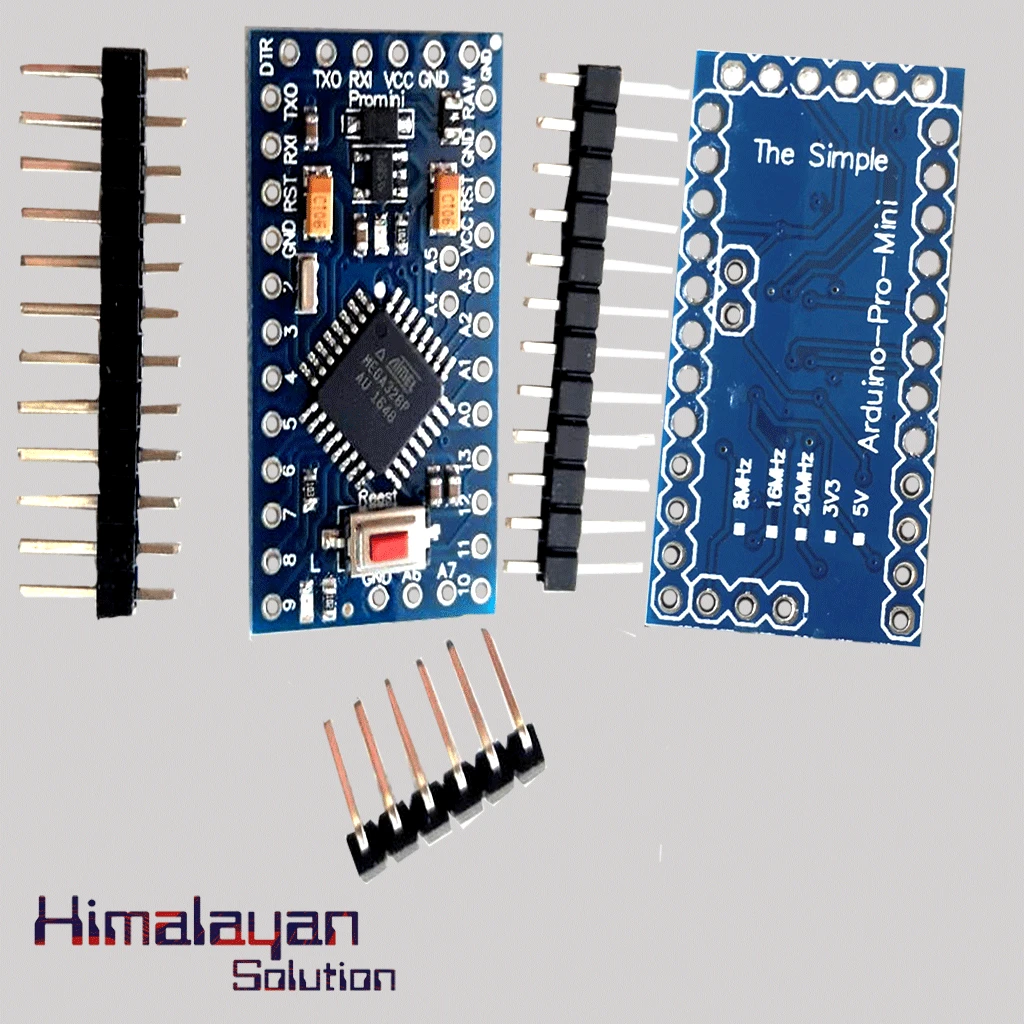
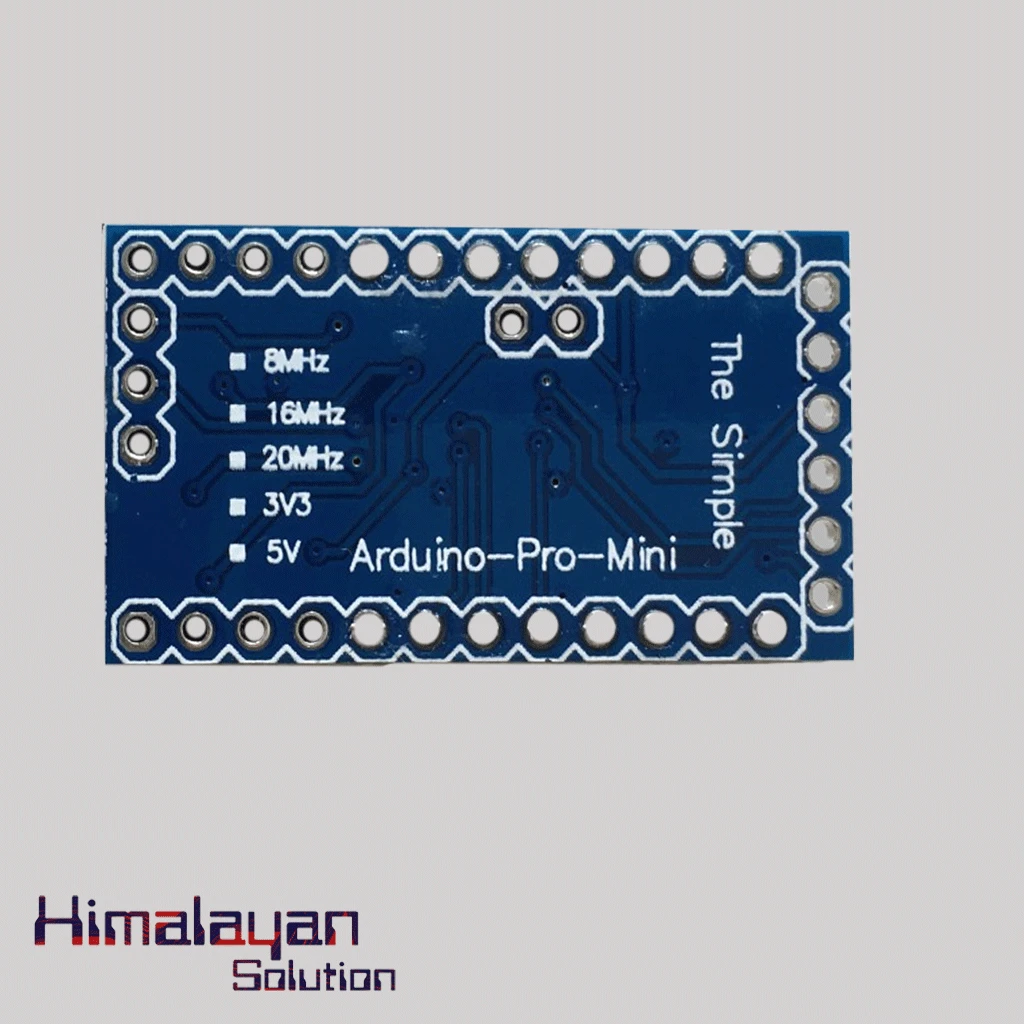
Arduino Pro Mini
Login to see price
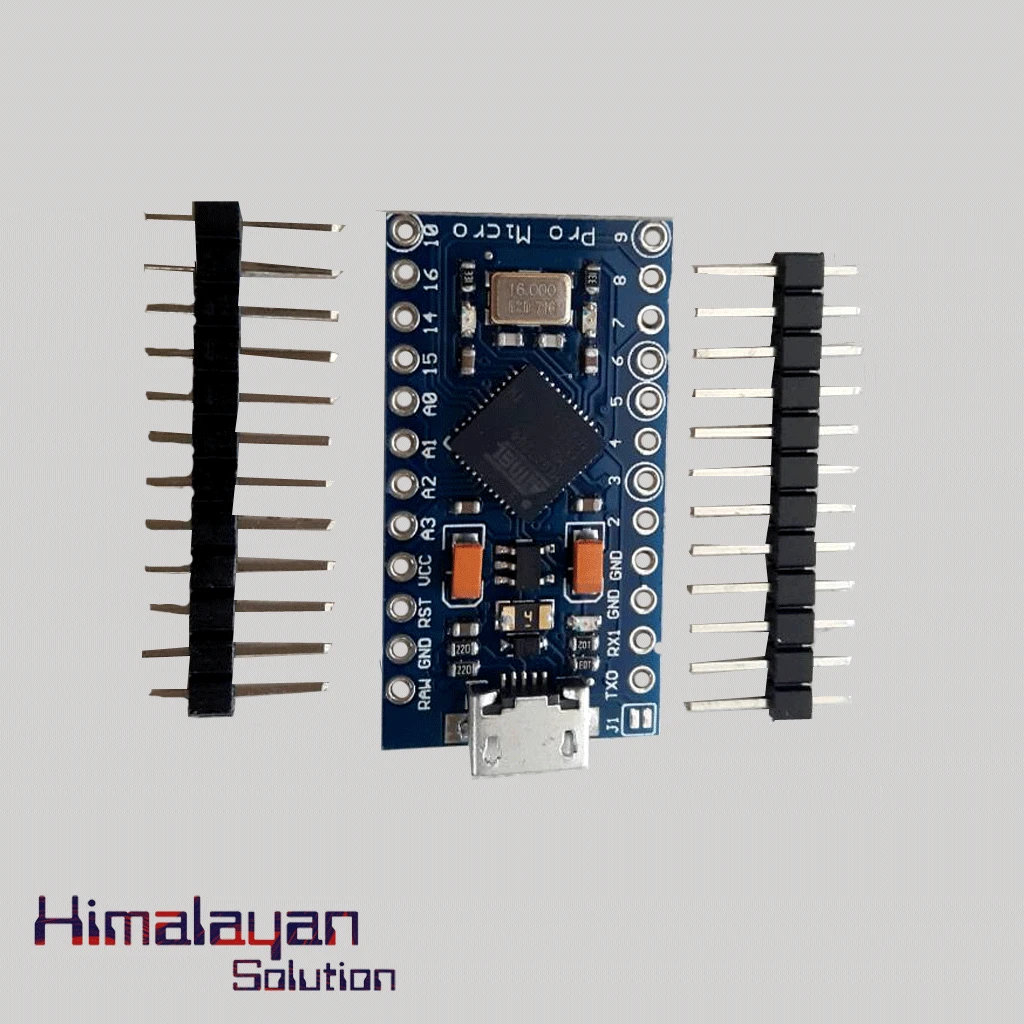
Arduino Pro Micro
Login to see price
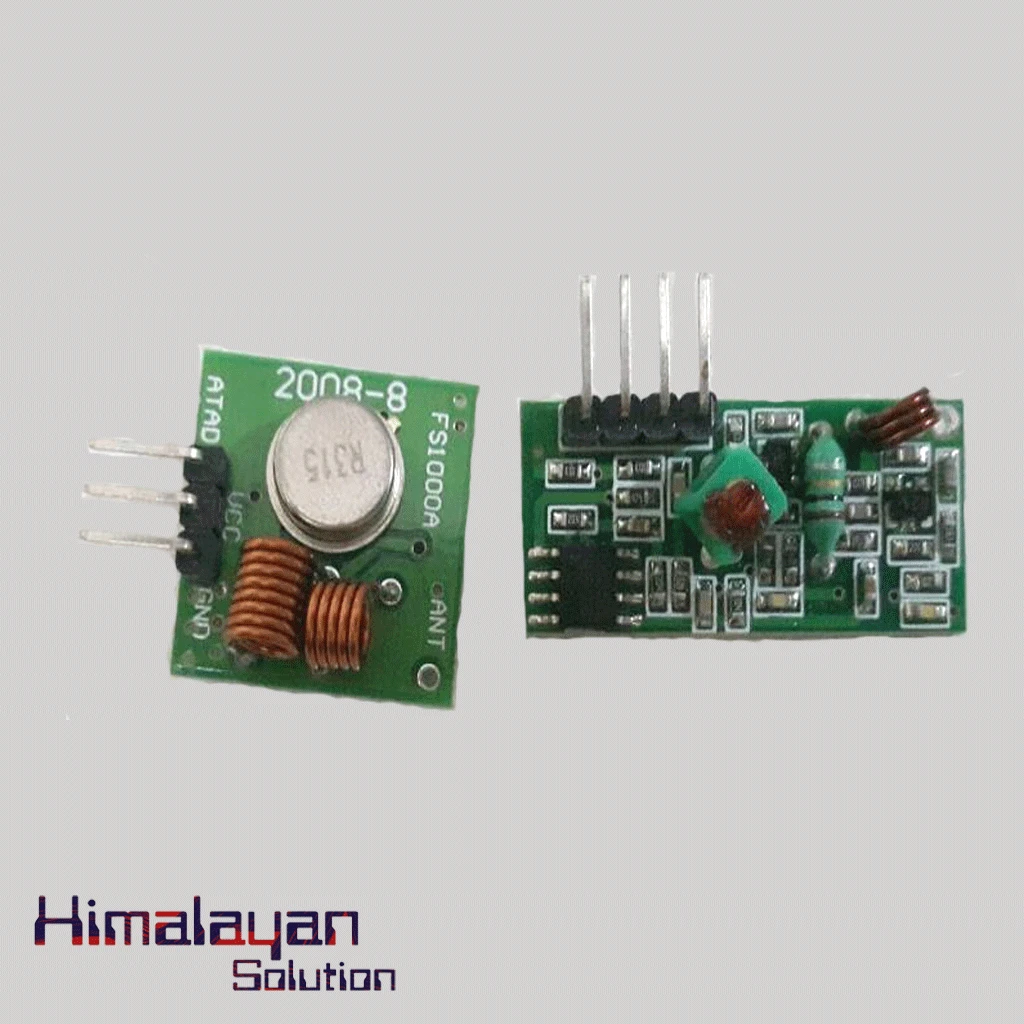
RF Module 315 mhz
Login to see price
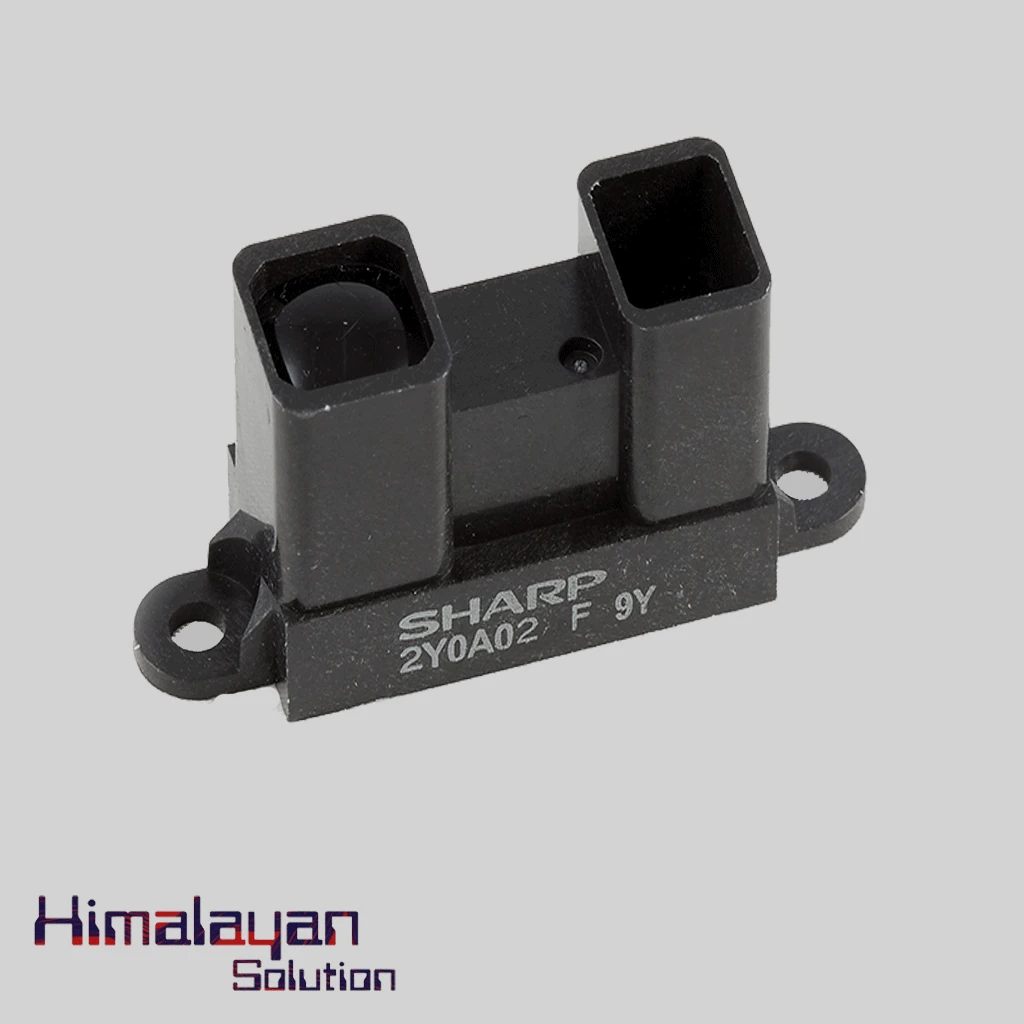
Sharp Distance Sensor 2y0a02
Login to see price
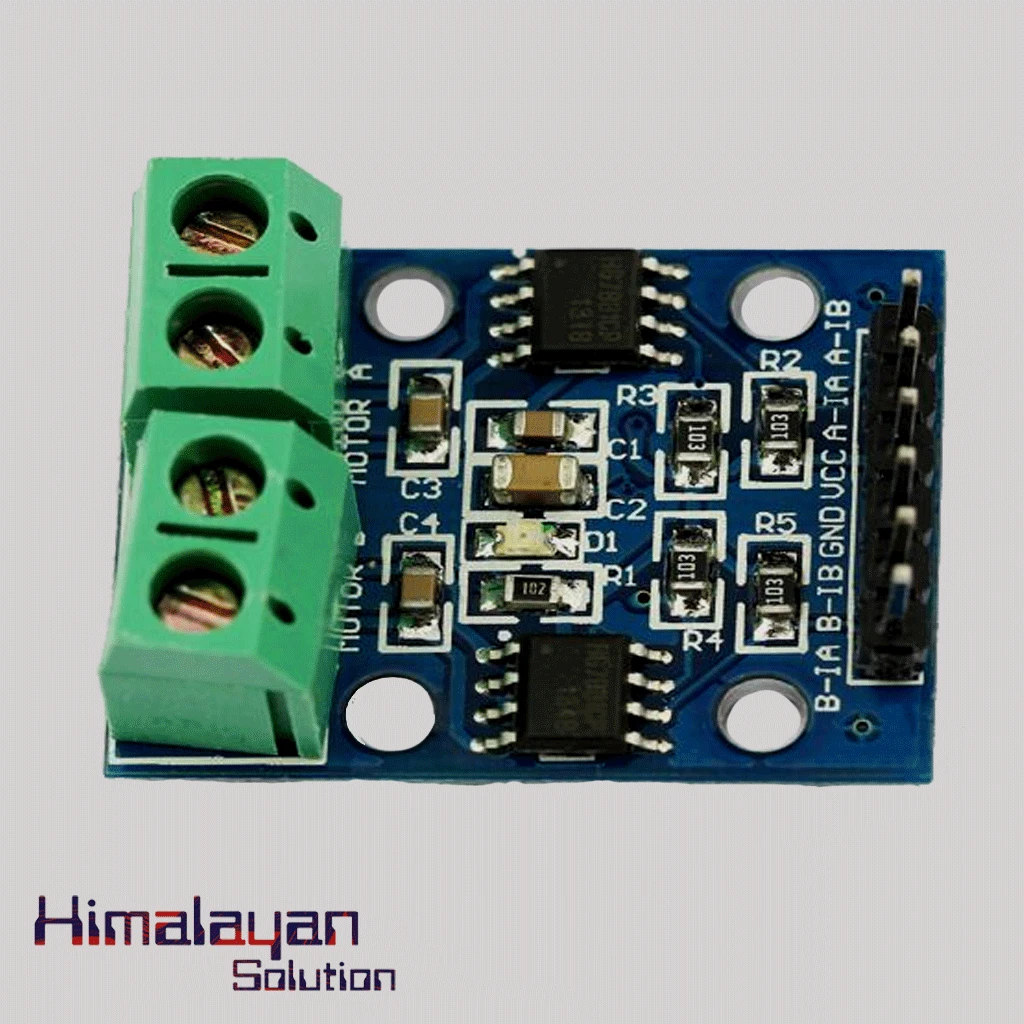
HG7881(L9110) Motor Driver Module
Login to see price
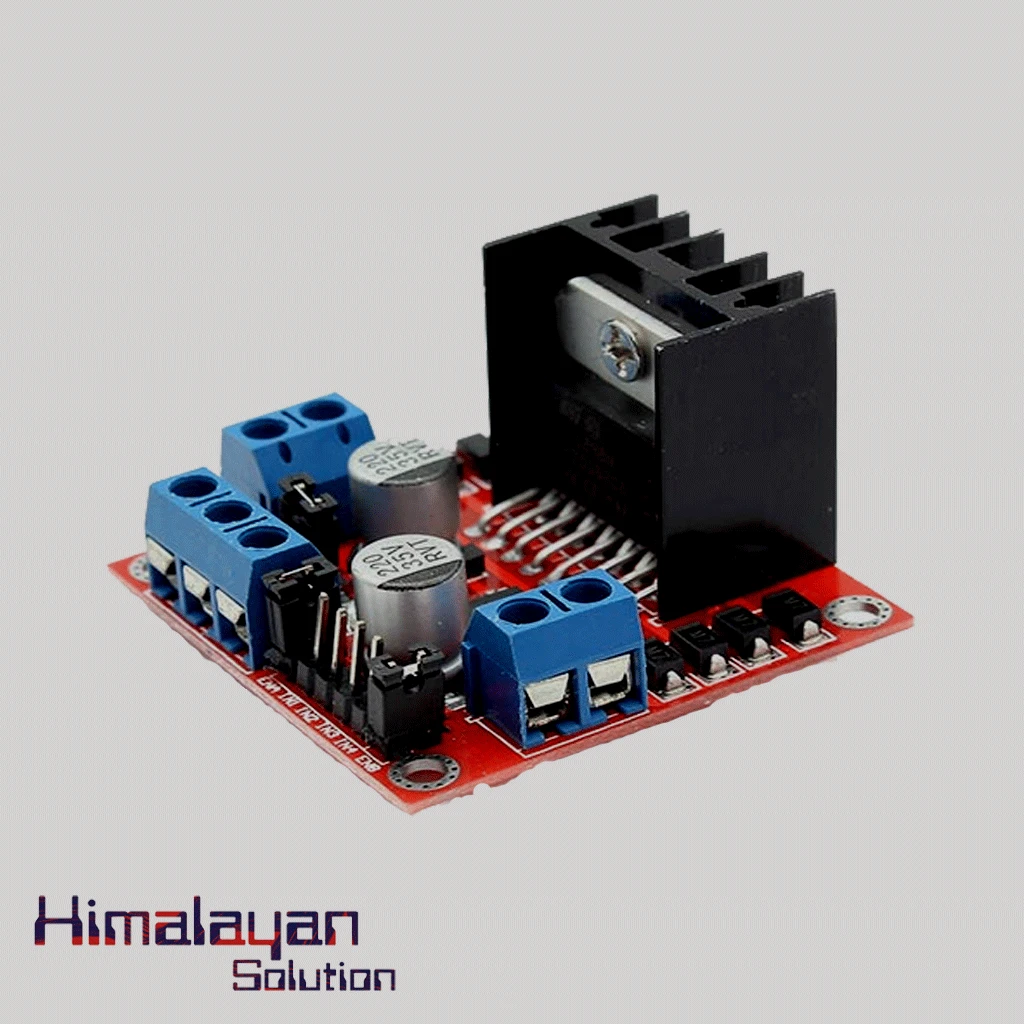
L298N Motor Driver Module
Login to see price




Share with Friends
Trading is more effective when you share products with friends!Share you link
Share to