


2.4 Inch TFT LCD Touch Screen Module for Arduino UNO R3/Mega2560 with Touch Pen & SD Card Slot
Enhance your Arduino projects with this versatile 2.4 inch TFT LCD touch screen module, compatible with both Arduino UNO R3 and Mega2560 boards. Featuring a 320x240 resolution and 65K RGB color support, it delivers vibrant visuals. With low power consumption and integrated touch functionality (including a touch pen), t...
Read moreEnhance your Arduino projects with this versatile 2.4 inch TFT LCD touch screen module, compatible with both Arduino UNO R3 and Mega2560 boards. Featuring a 320x240 resolution and 65K RGB color support, it delivers vibrant visuals. With low power consumption and integrated touch functionality (including a touch pen), this module is perfect for interactive applications. Easy to install with an 8-bit parallel interface and an SD card slot for expanded capabilities. Includes a comprehensive Arduino library to simplify development.
This 2.4-inch TFT LCD touch screen module with a color display and touch functionality is designed for use with Arduino boards, specifically the Arduino UNO R3 and Mega2560, for easy plug-and-play setup. Here’s a summary of its main features and specifications:
Key Features:
-
Resolution: 320x240 pixels for sharp visuals.
-
Color Support: 65K RGB, providing a rich and vibrant display.
-
Touch Functionality: Interactive touch input, along with a touch pen for easy operation.
-
Compatibility: Works seamlessly with Arduino UNO and Mega2560.
-
Voltage: Supports both 5V and 3.3V power, with onboard level shifting.
-
Interface: 8-bit parallel, offering a faster refresh rate than serial SPI.
-
SD Card Slot: Additional expansion capability for projects requiring storage.
Specifications:
-
Driver IC: ILI9341.
-
Screen Size: 2.4 inches.
-
Active Display Area: 48.96mm x 36.72mm.
-
PCB Size: 72.20mm x 52.7mm.
-
Temperature Range: Operating: -20°C to 60°C; Storage: -30°C to 70°C.
-
Weight: 39g (packaged).
Pin Interface:
-
LCD_RST: LCD reset (active low).
-
LCD_CS: LCD chip select (active low).
-
LCD_RS: Command/Data selection (low = command, high = data).
-
LCD_WR: LCD write signal.
-
LCD_RD: LCD read signal.
-
GND: Ground.
-
5V: 5V power input.
-
3V3: Optional 3.3V power input. 9-16. LCD_D0 - LCD_D7: 8-bit data bus. 17-20. SD_SS, SD_DI, SD_DO, SD_SCK: SD card SPI interface.
This module also includes an Arduino library with sample programs for a variety of applications, making it straightforward for prototyping and project integration.


Arduino UNO direct insertion picture Arduino Mega2560 direct insertion picture
Here’s a step-by-step guide to use the 2.4-inch TFT LCD touch screen module with an Arduino:
Step 1: Download the Test Program
-
Download the Arduino test program from the provided source or download column.
-
Refer to the test program documentation included in the package for specific details about each test.
Step 2: Connect the Arduino Development Board
-
Directly plug the TFT module into your Arduino UNO or Mega2560 board.
-
Once connected, power on the Arduino board.
Step 3: Copy the Required Libraries
-
Ensure that the Arduino IDE is installed on your computer. If not, download it from the official Arduino website.
-
Decompress the downloaded test program package.
-
Copy the libraries from the Install libraries folder (visible in the image you uploaded) into the libraries folder of your Arduino project directory.
-
Note: If you’re unsure where the Arduino project directory is, check in your Arduino IDE settings or look in the Documents/Arduino folder.
-

Step 4: Compile and Upload the Program
-
Open the sample code from the Example folder within the package in the Arduino IDE.
-
Compile the code and upload it to the Arduino board.
-
Tip: If you're new to this, go to the Arduino IDE menu and click Sketch > Upload after selecting the right board and port in Tools.
-
Step 5: Run and Observe
-
After uploading, the program should start running. Observe the display; if it shows the expected visuals, the program has successfully uploaded and is running.
-
For example, you should see a graphical display similar to what is shown in the images.


Specifications
8Related products
0.96 inch Oled Display
Raspberry Pi 5 Inch LCD
Serial LCD (16*2)
Graphic LCD
Lcd Keypad Shield
I2C Connector Module
Nokia LCD
1.3 inch Oled Display
16*2 LCD Module
20* 4 LCD Module

2.0 inch ILI9225 TFT LCD Display Arduino Module
JJPRO F02 VR

VRBOX
Touch Panel
7 Segment Display Medium
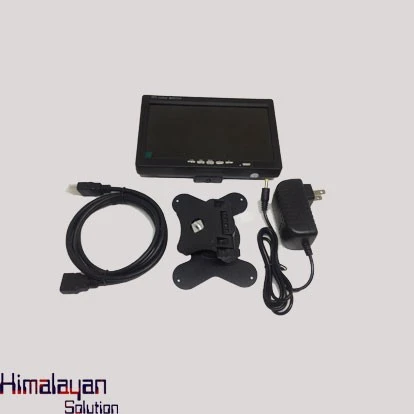
10 Inch TFT Color ICD Monitor
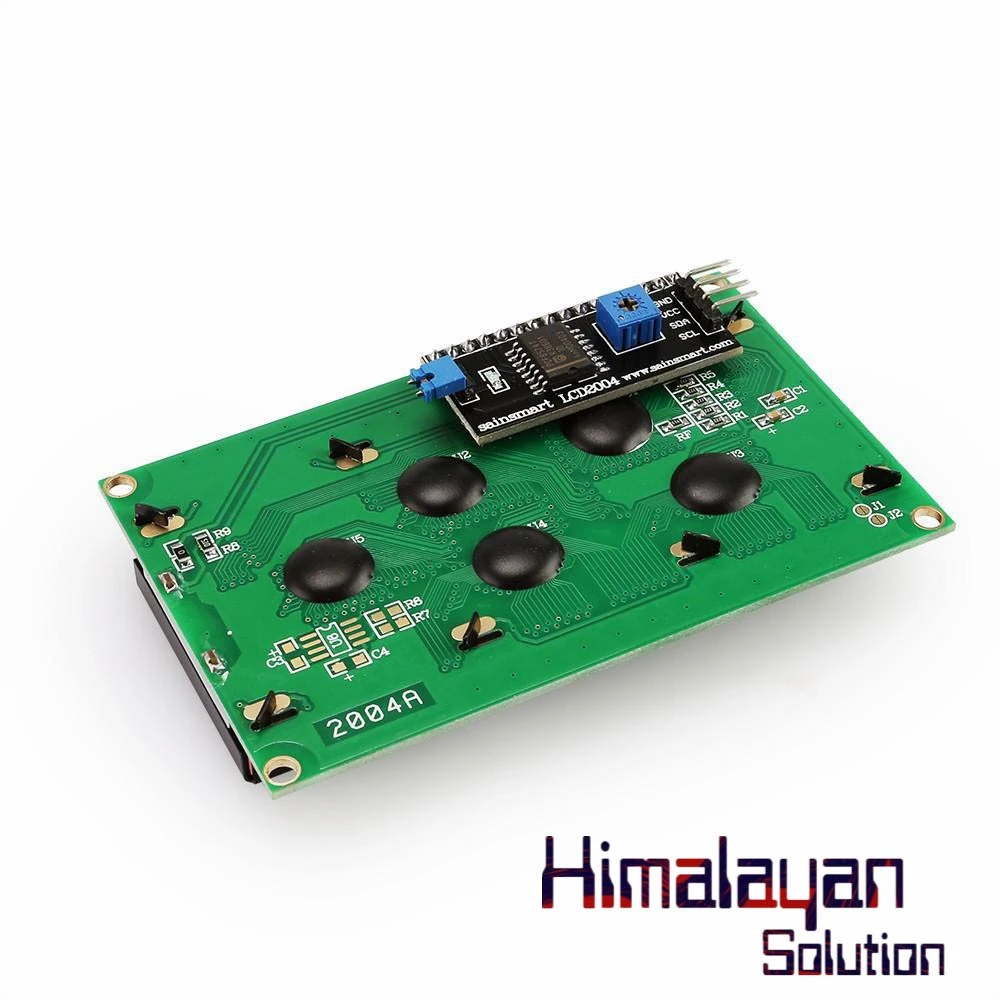
20*4 LCD With I2c Connector
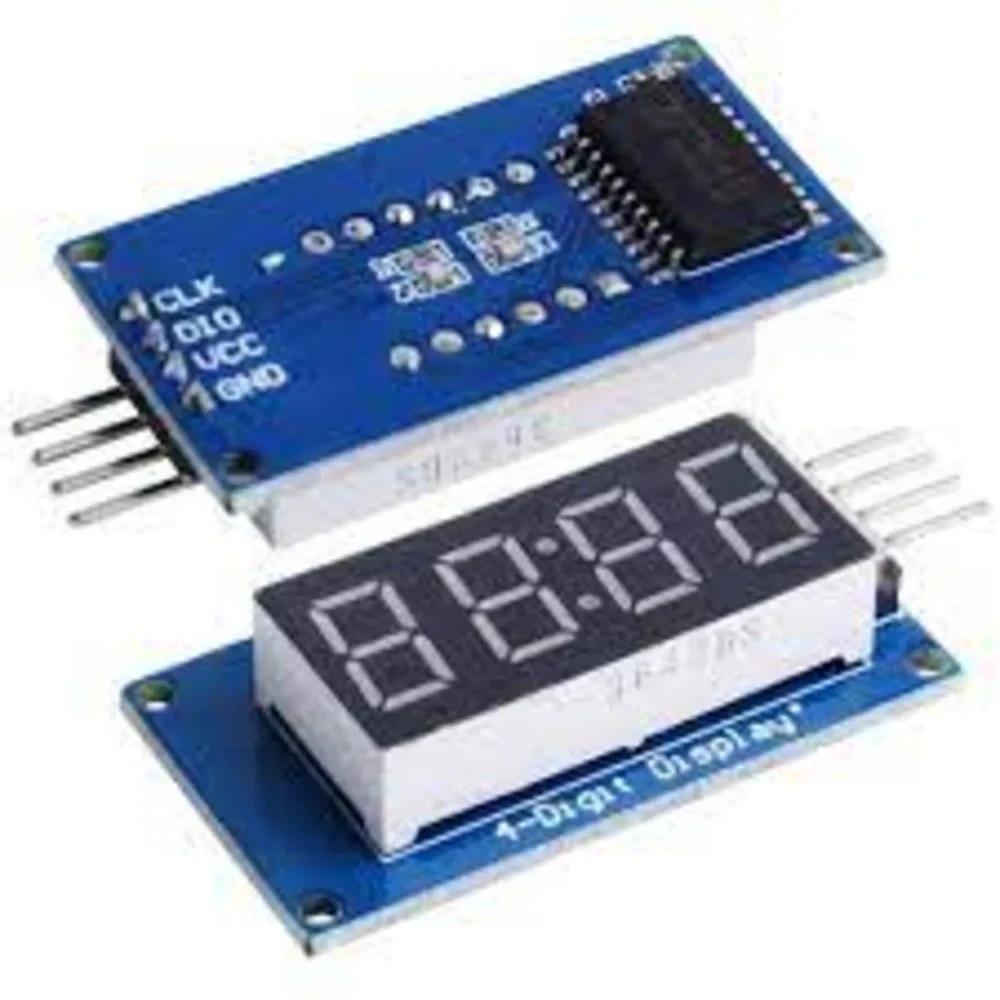
7Segment Display Module
Frequently Bought Together
No frequently bought products found!
Products from this Seller
View All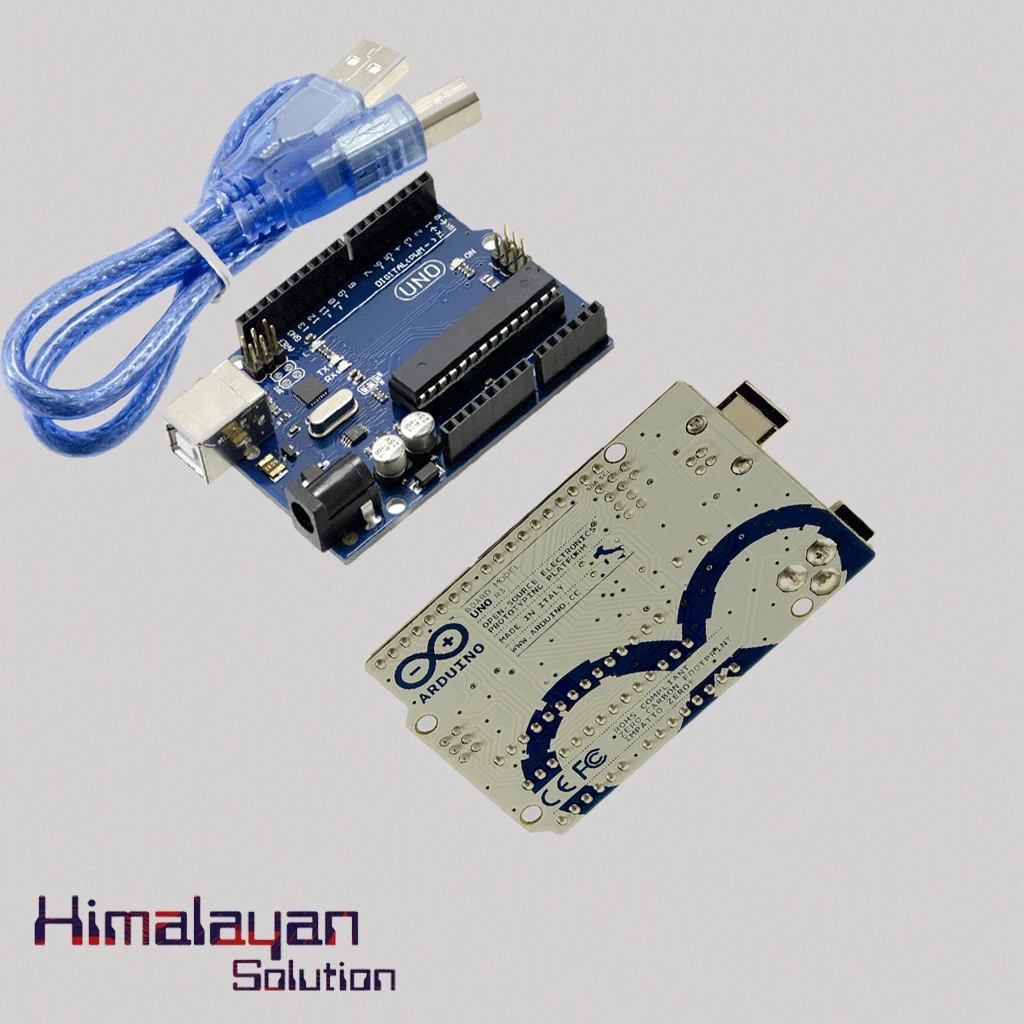
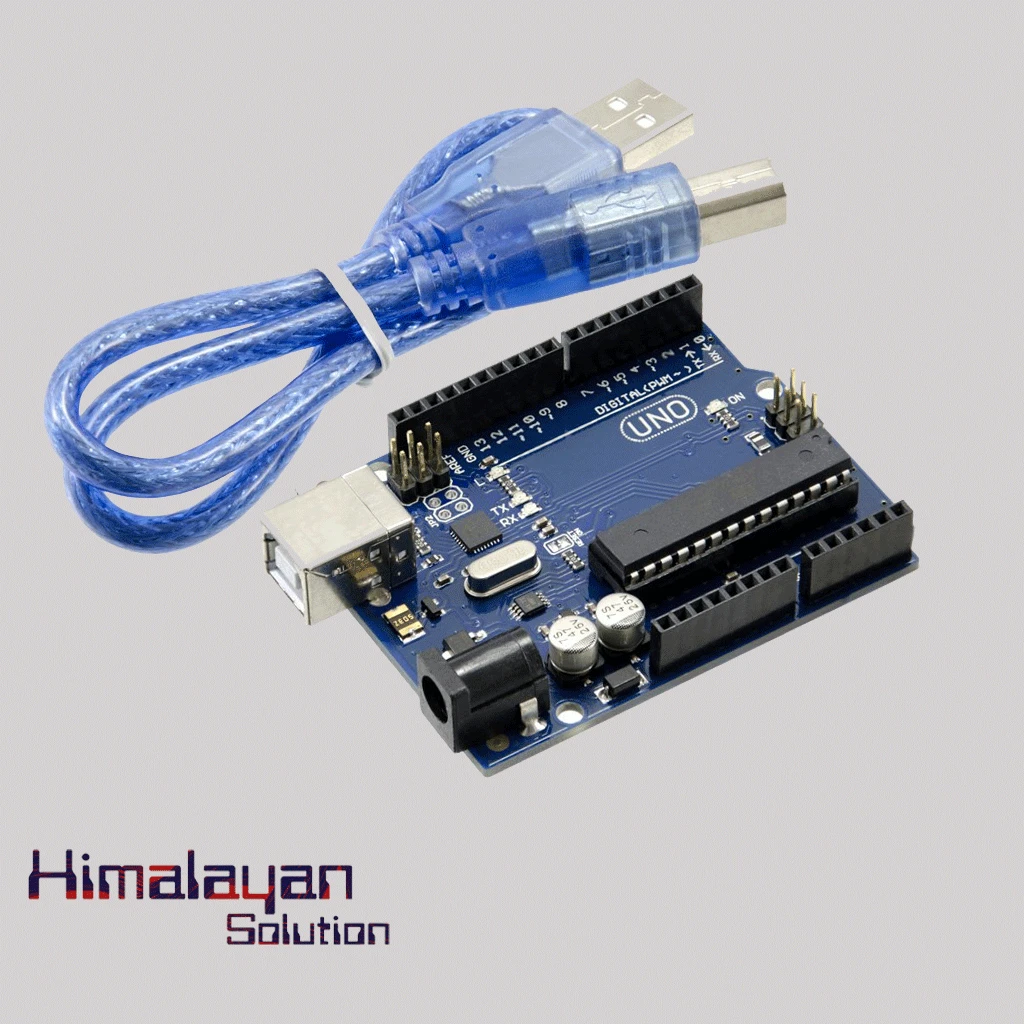
Arduino Uno R3 - Original Made in Italy without cable
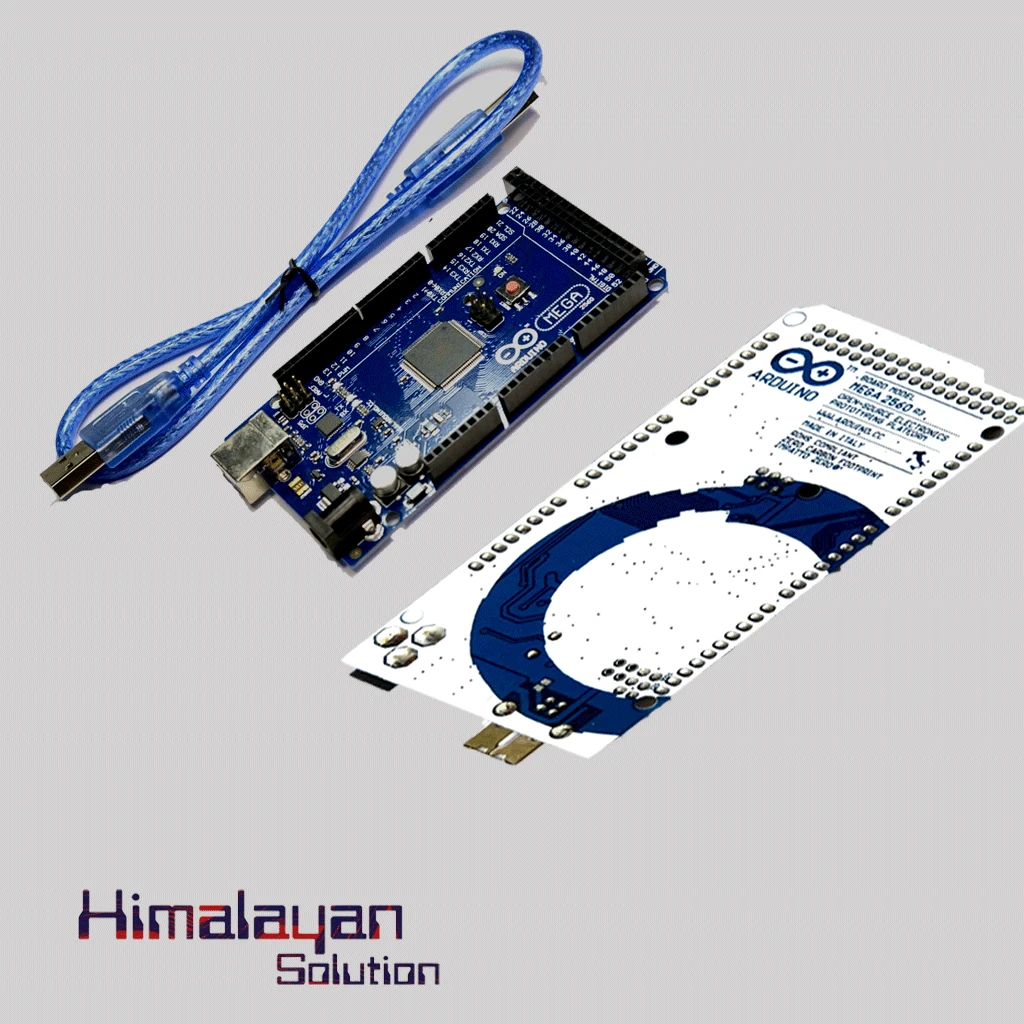
Arduino Mega 2560 without cable
Arduino Due Board

Arduino Uno Protype Shield
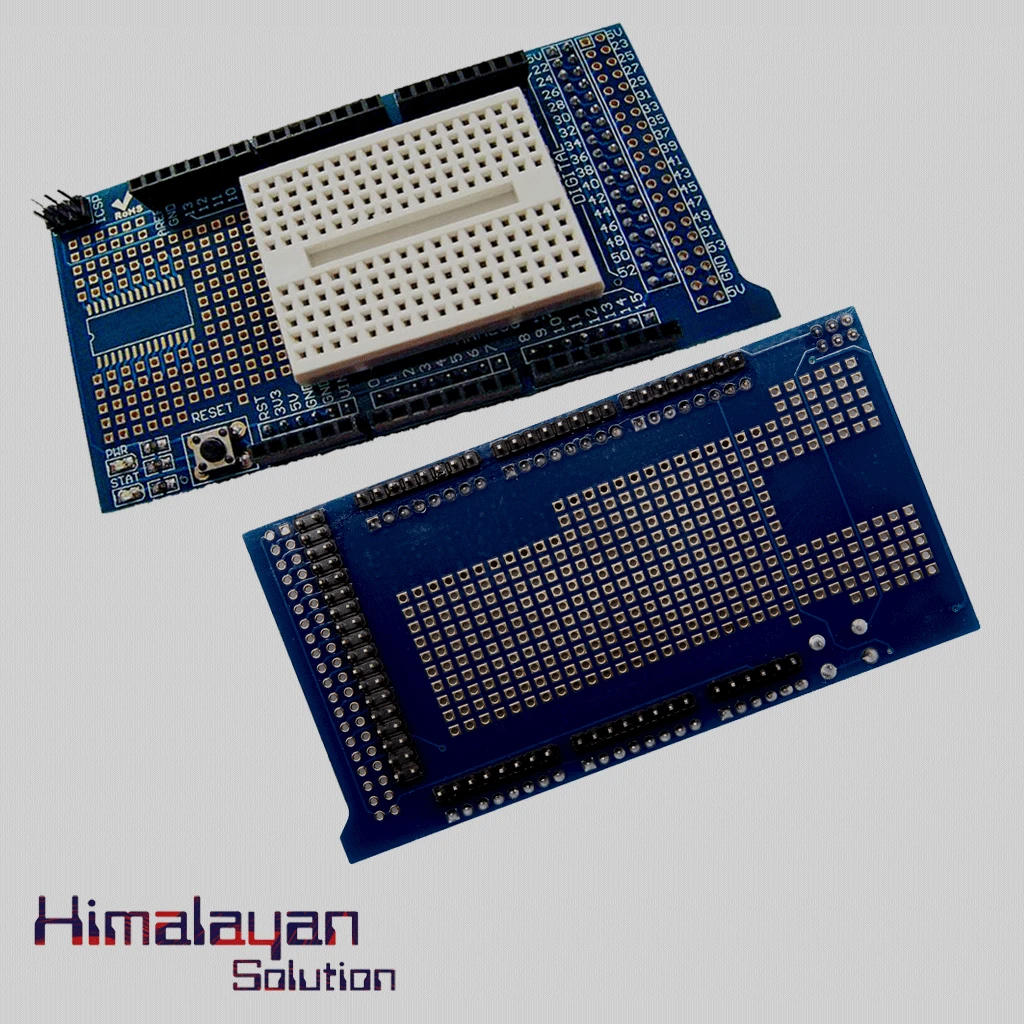
Arduino Mega Protype shield
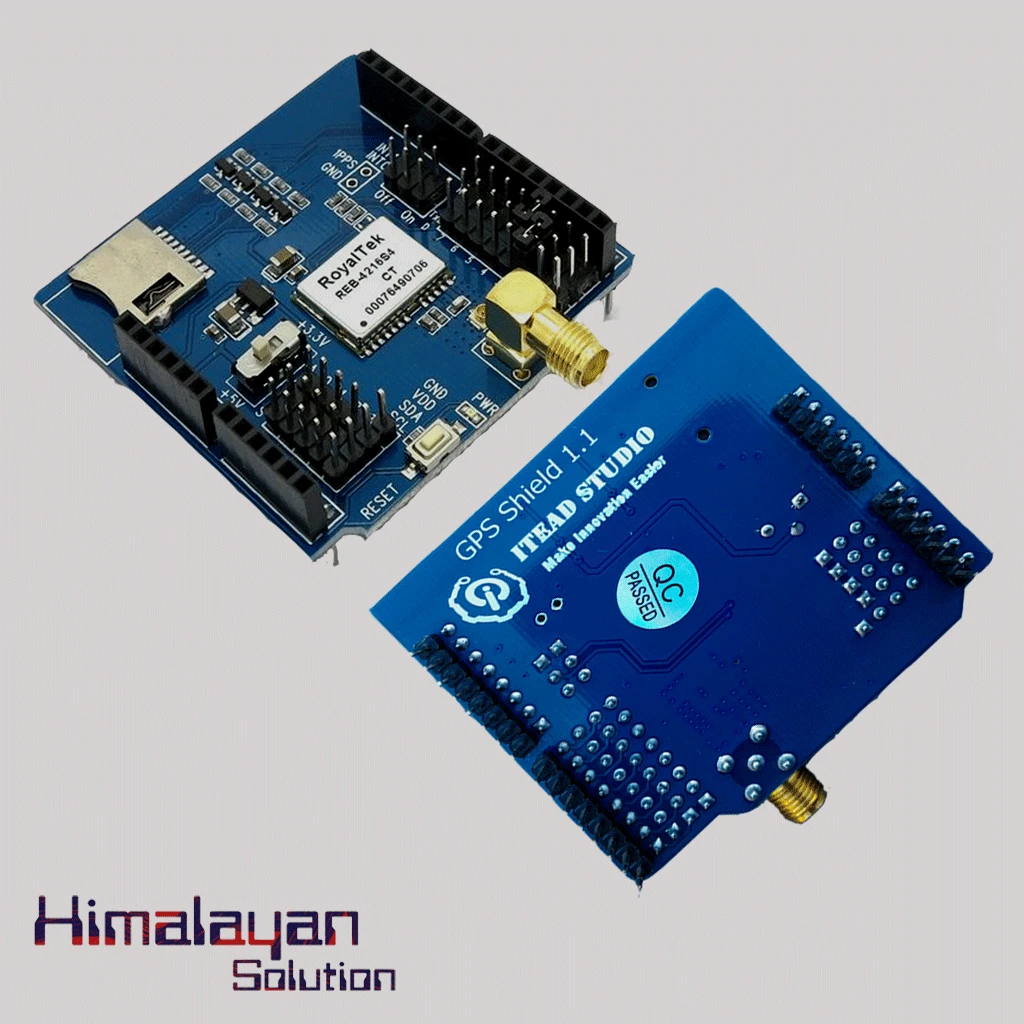
Arduino Gps Sheild
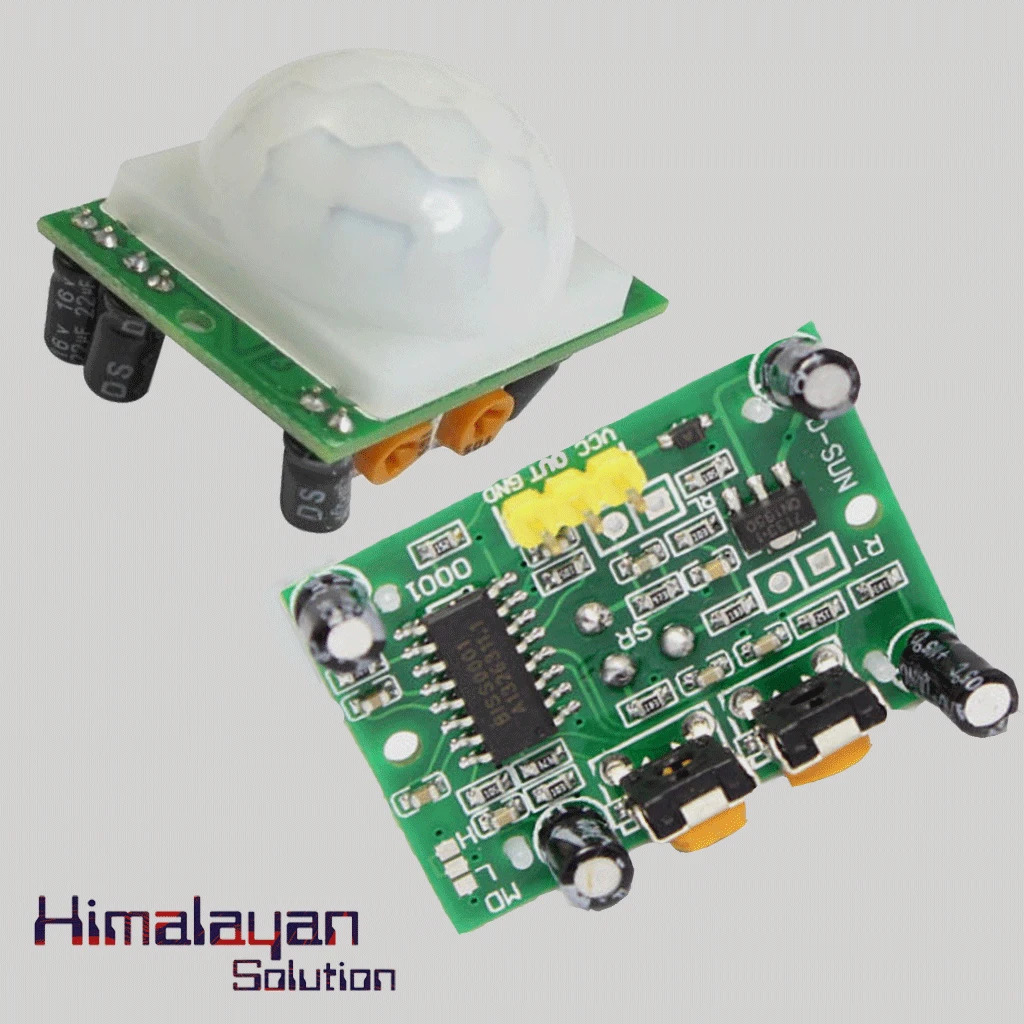
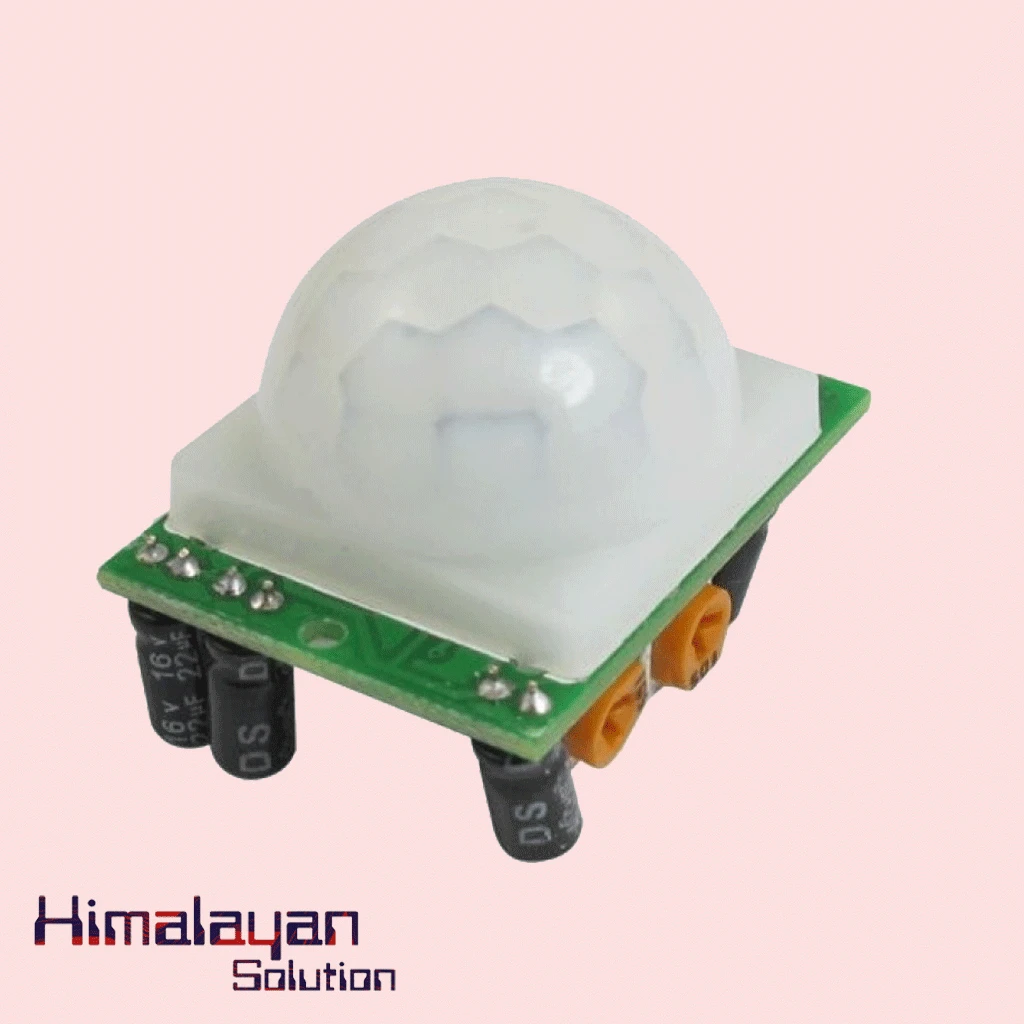
PIR Motion Sensor Detector Module HC SR501
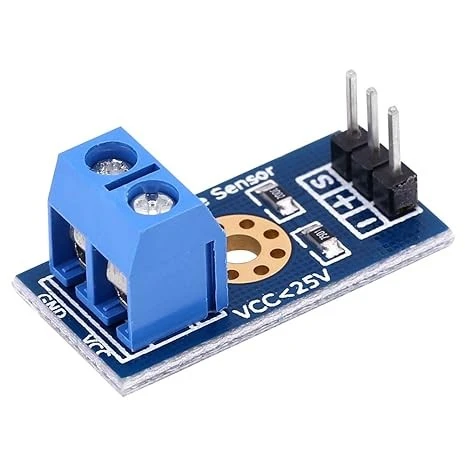

Voltage Sensor Module
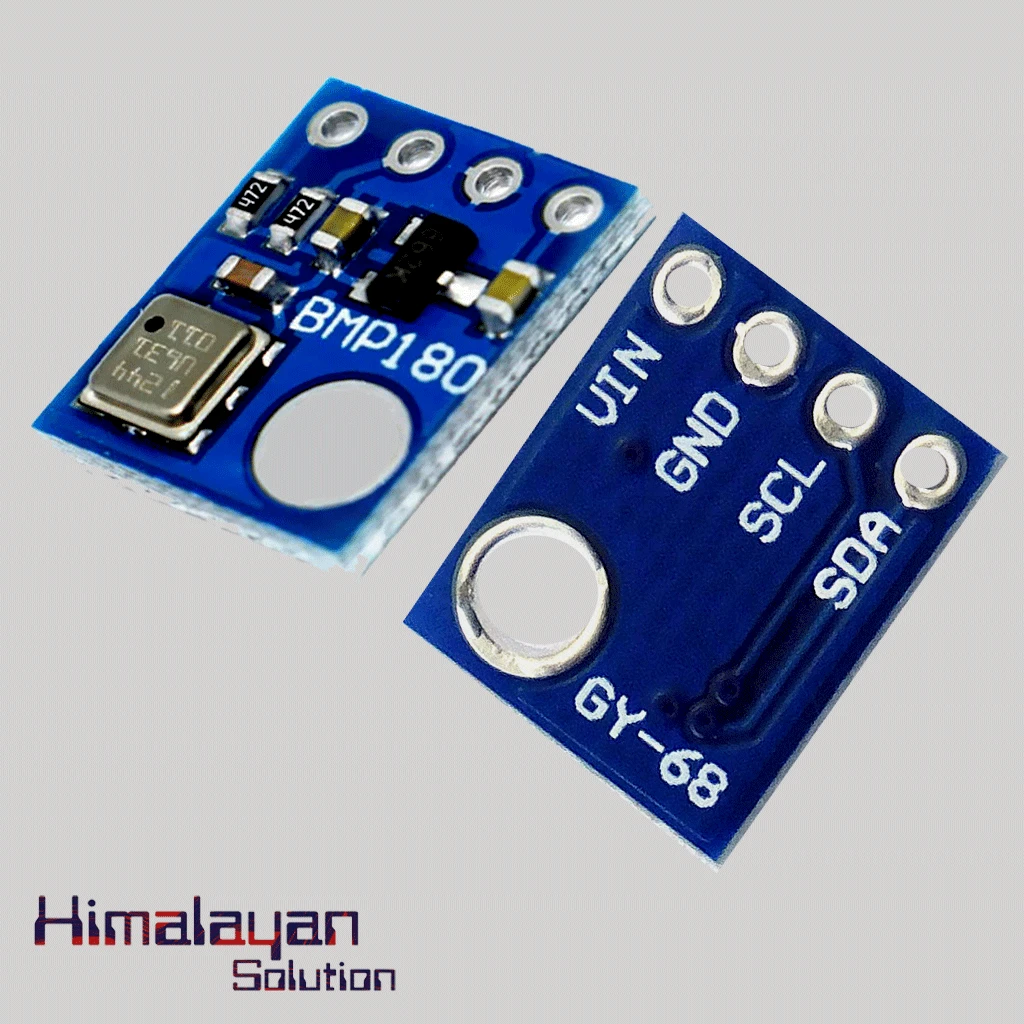
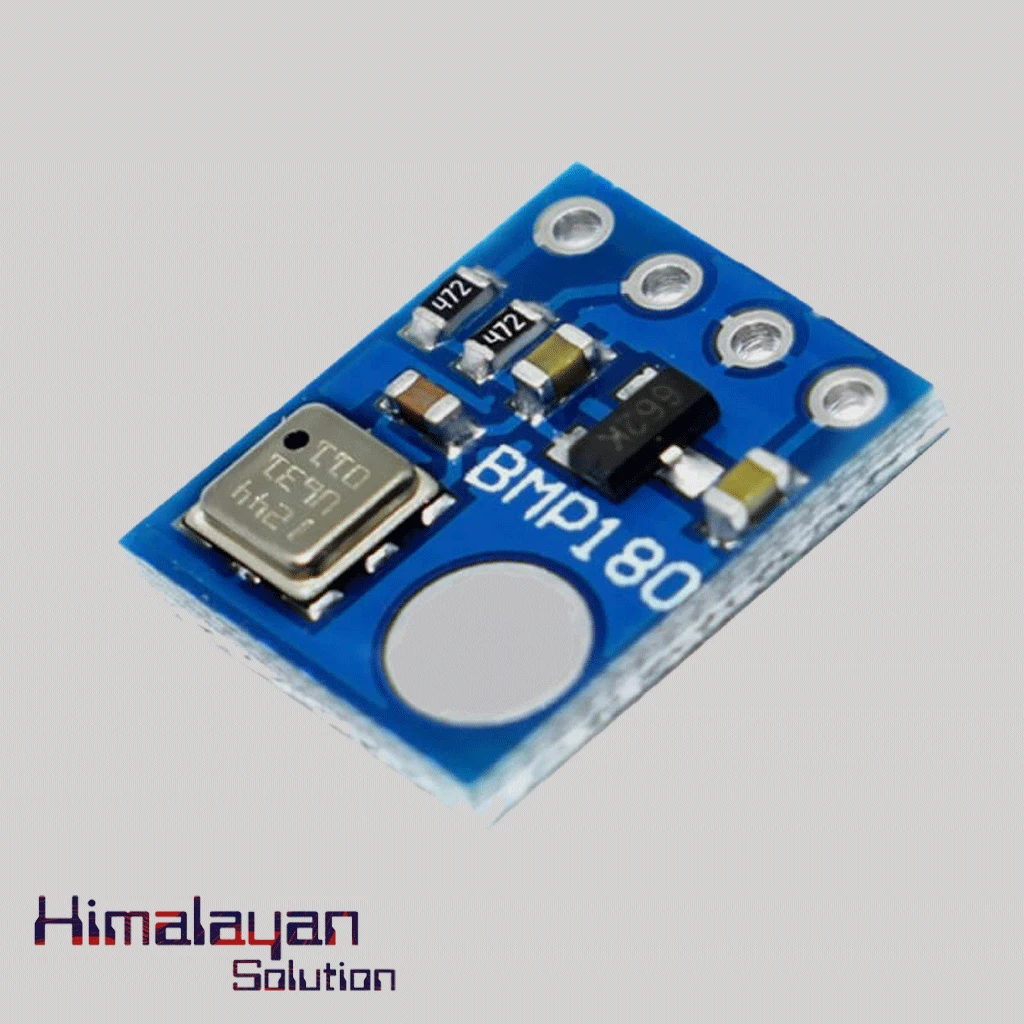
BMP180 Pressure Sensor
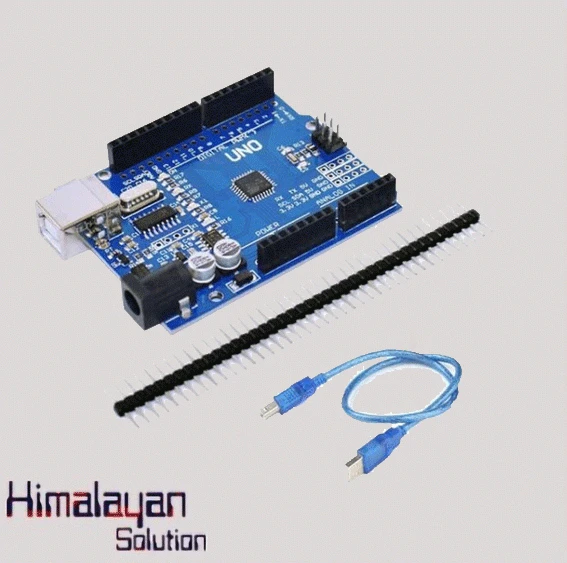
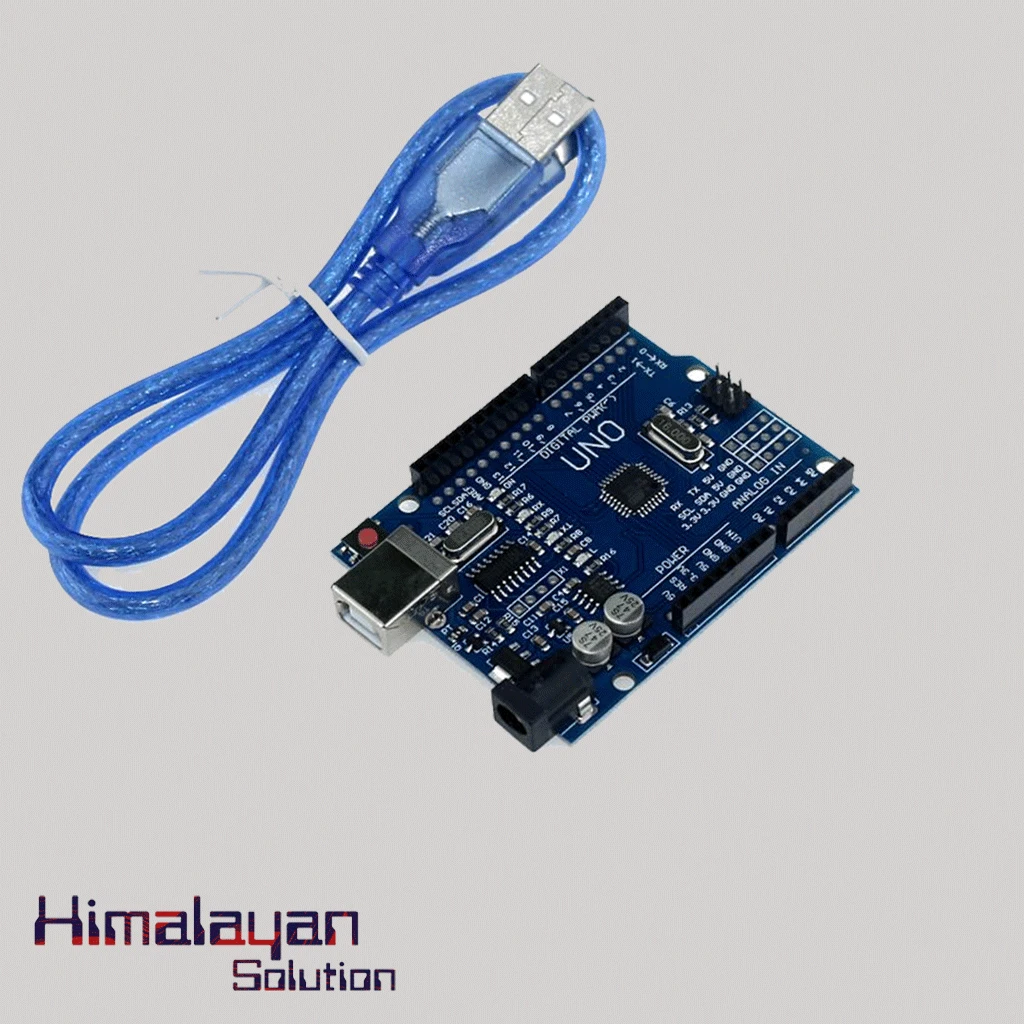
Arduino UNO R3 Clone without cable
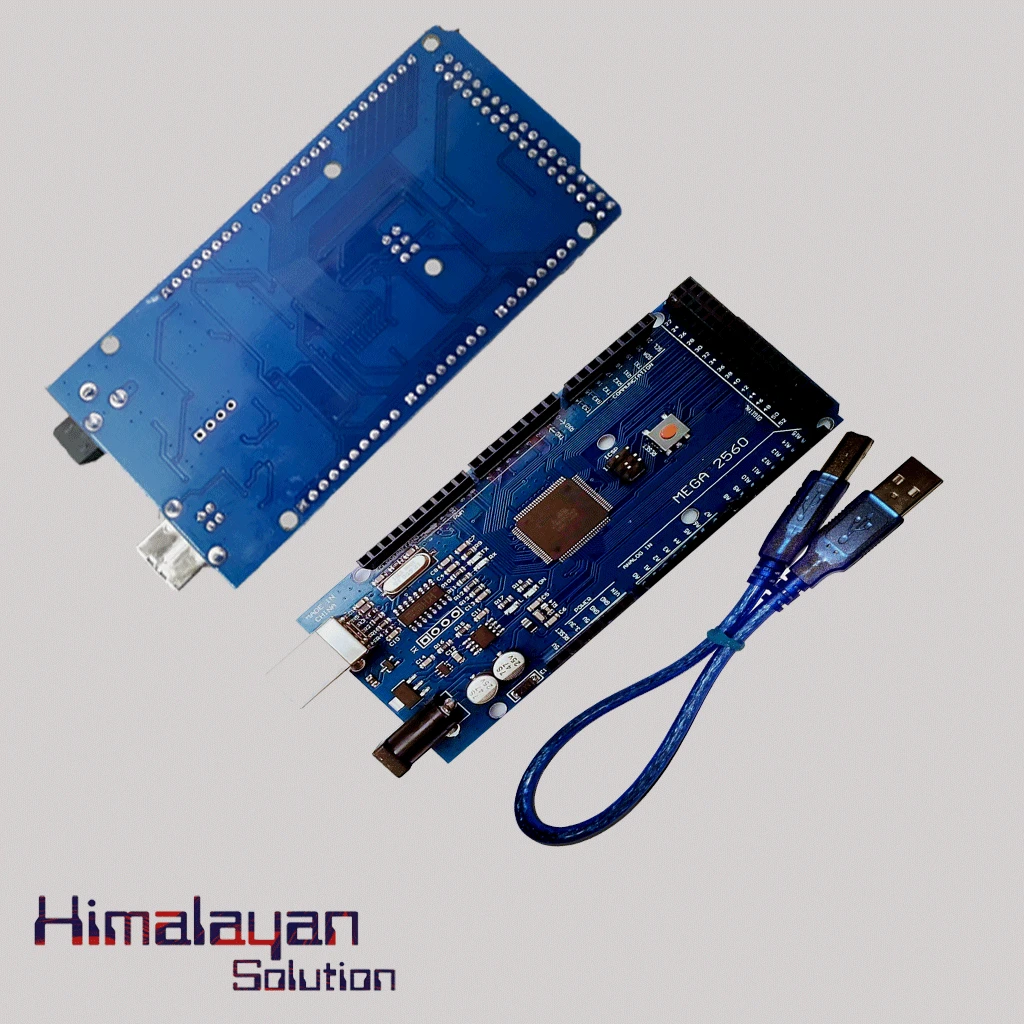
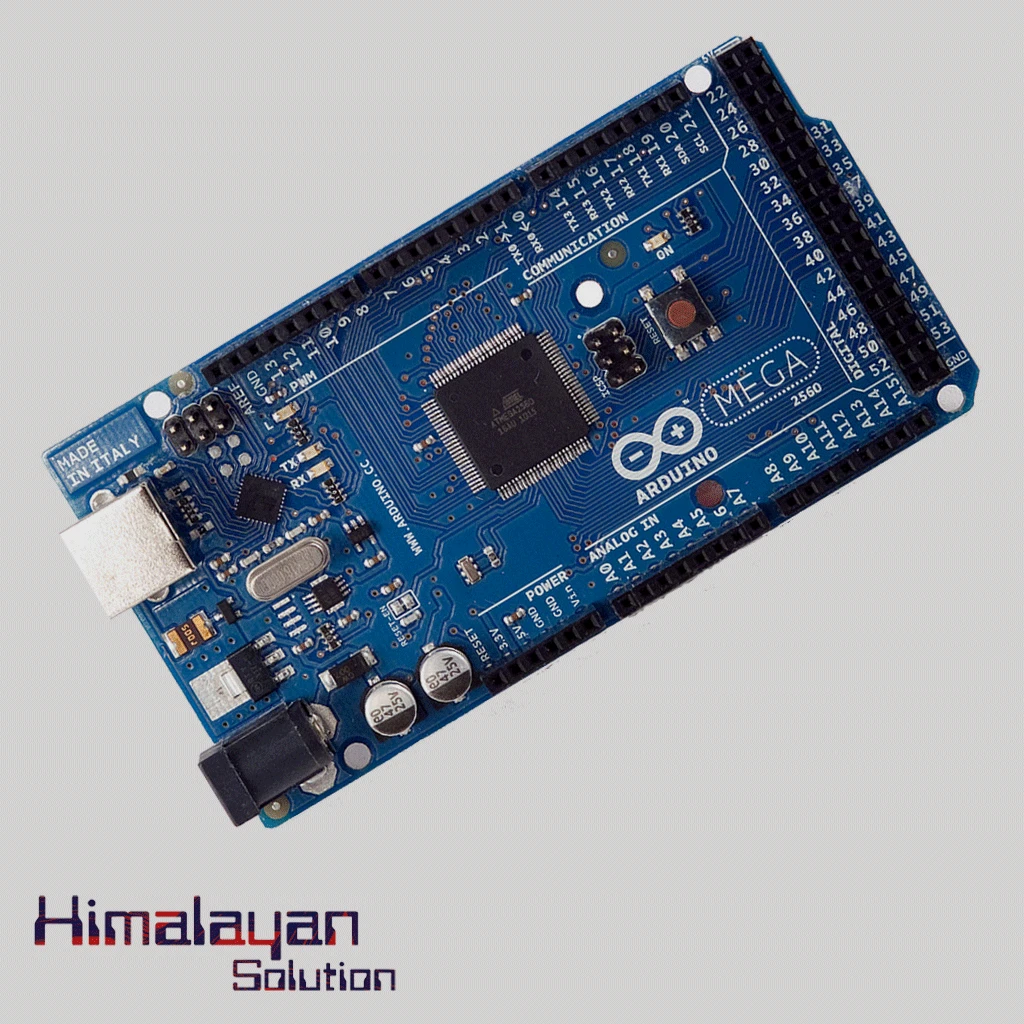
Arduino Mega 2560 Clone
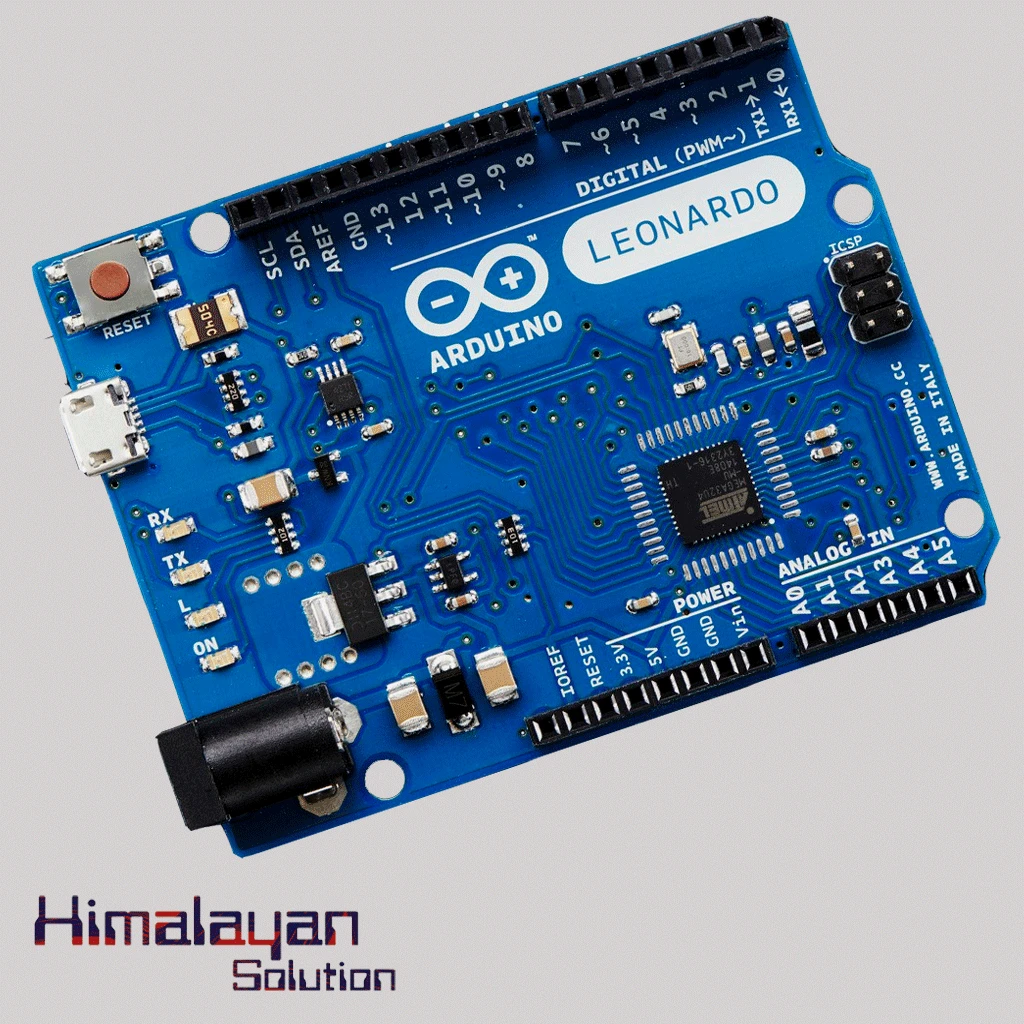
Arduino Leonardo


BO Motor Wheel Big
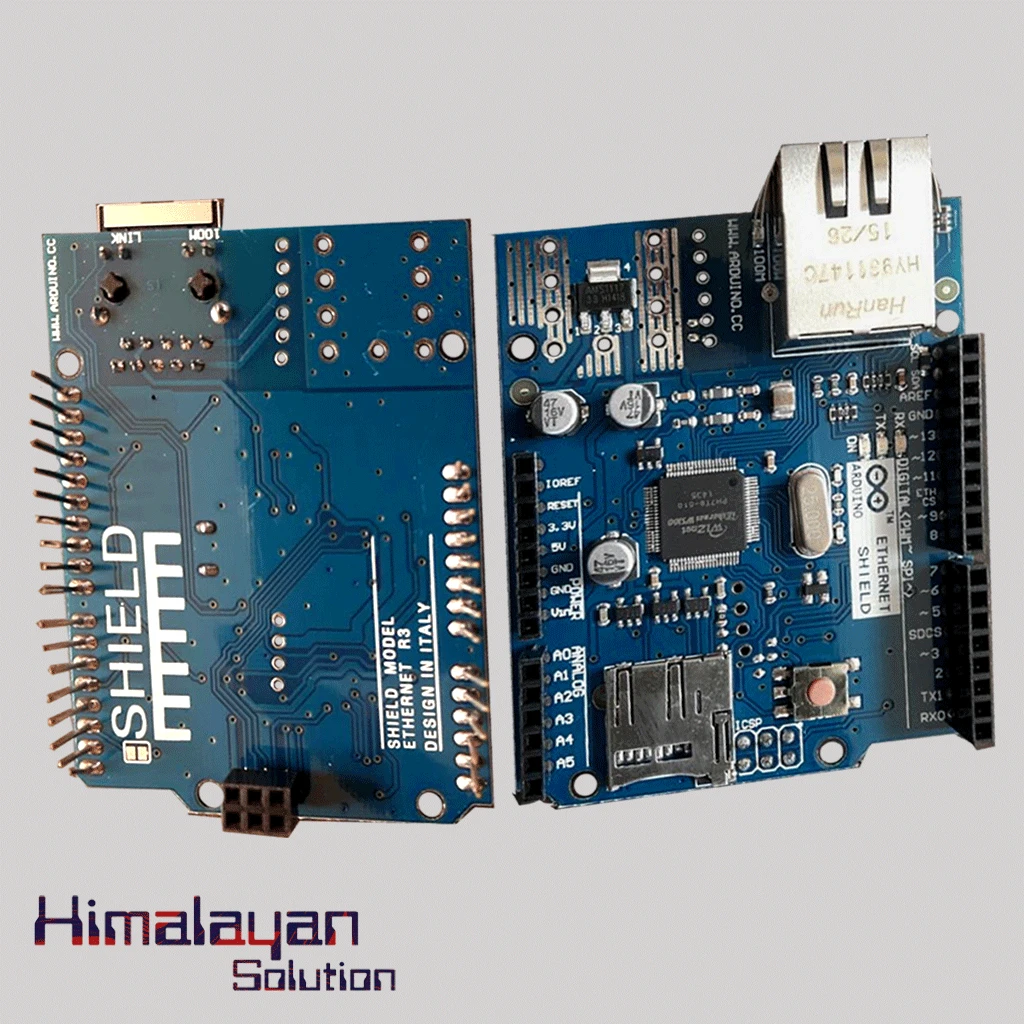
Ardunio Ethernet Shield
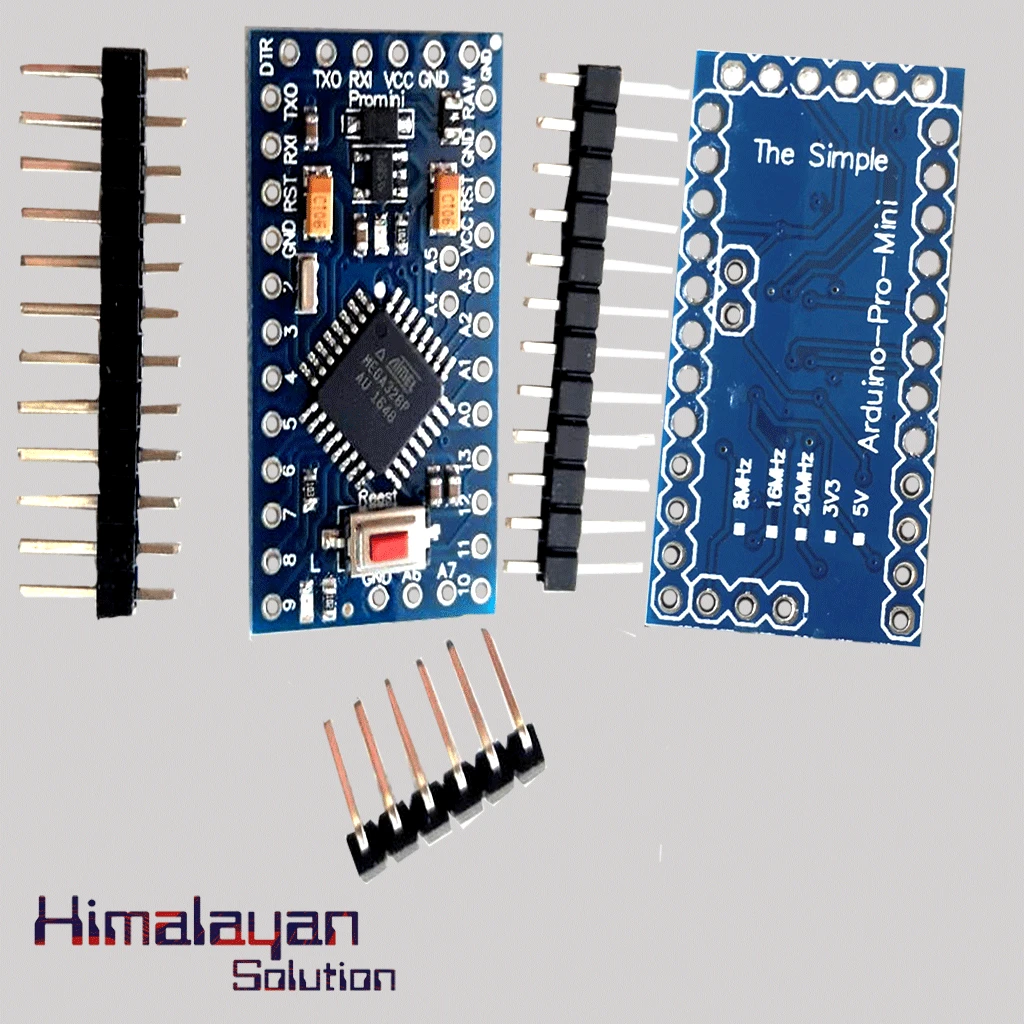
Arduino Pro Mini
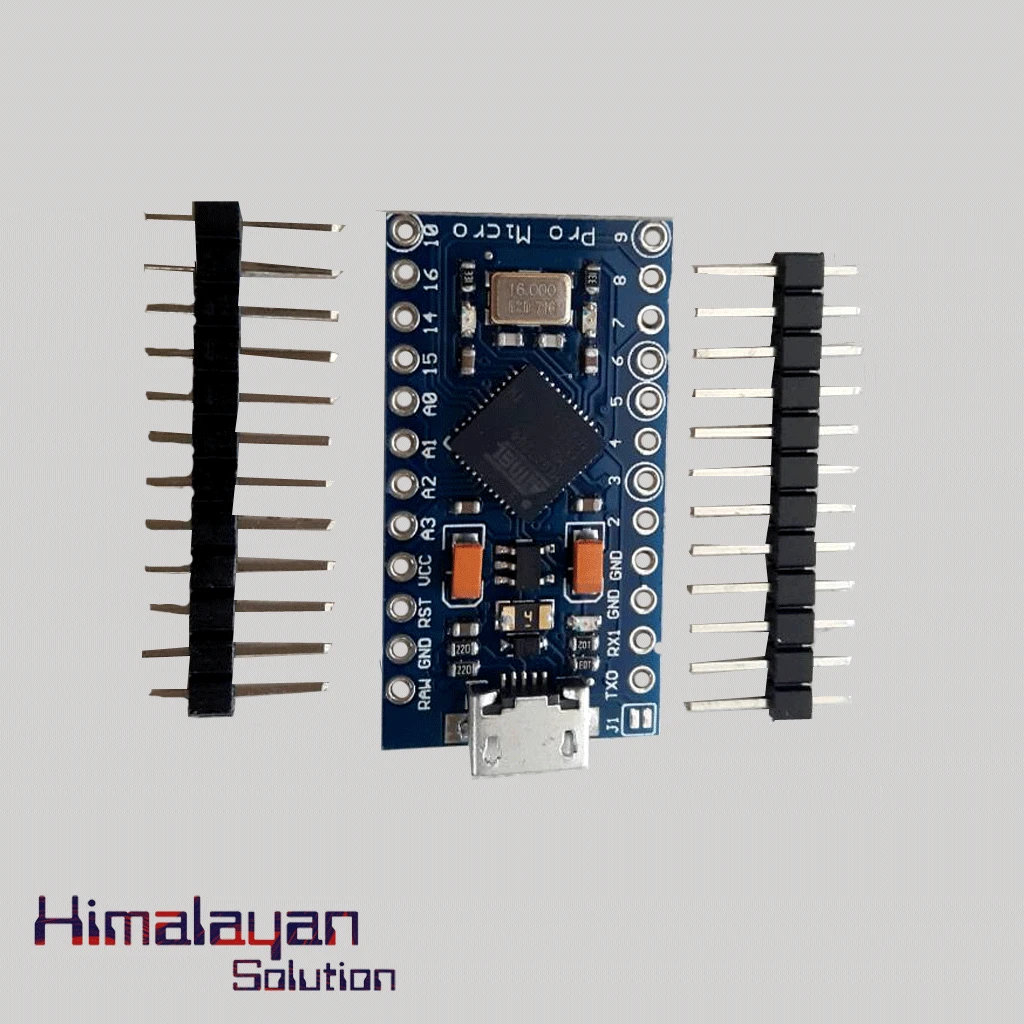
Arduino Pro Micro
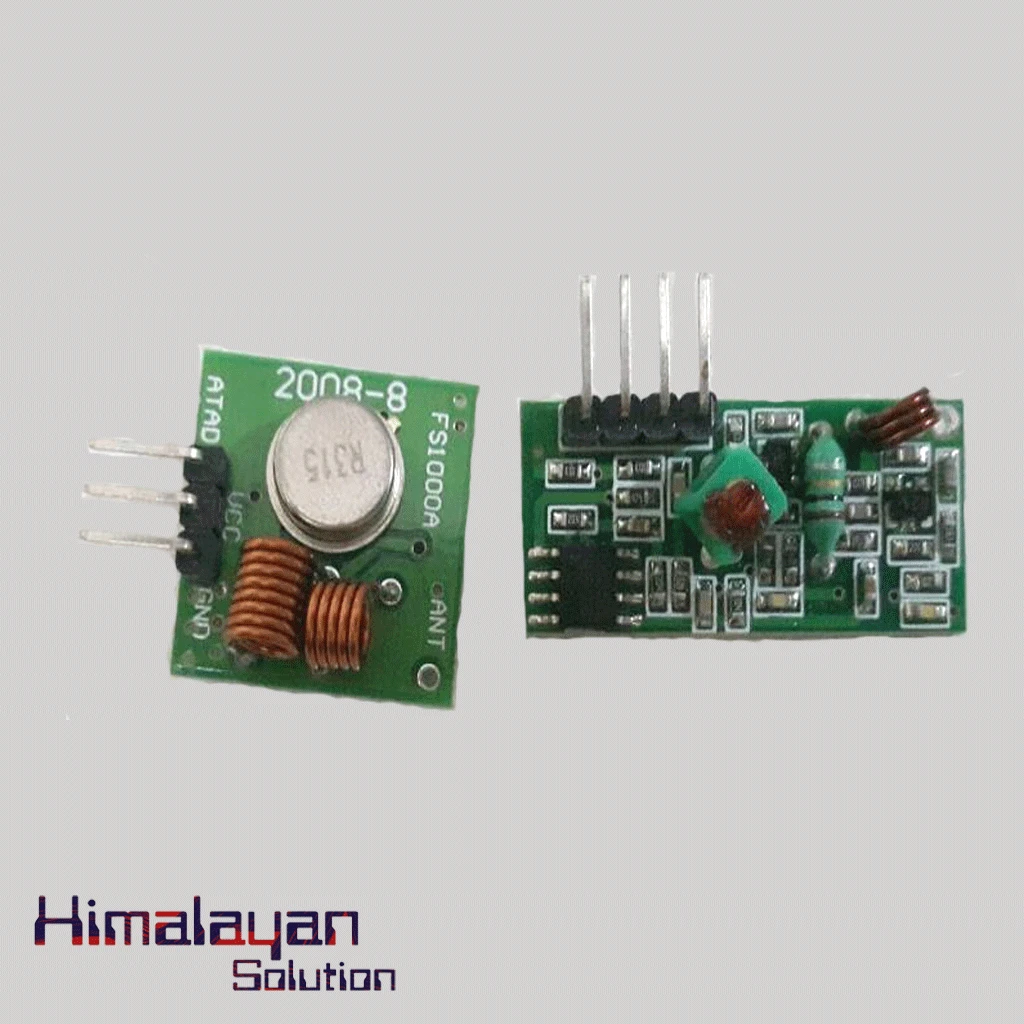
RF Module 315 mhz
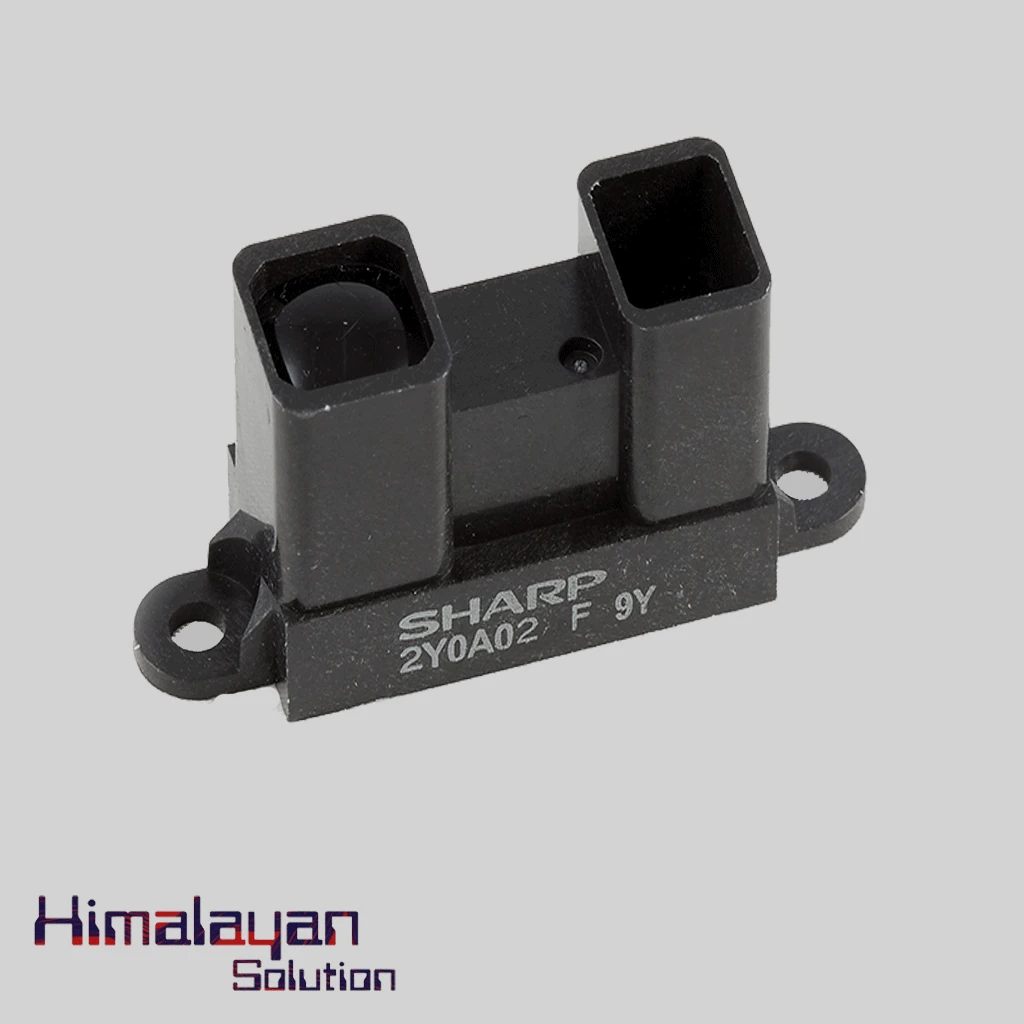
Sharp Distance Sensor 2y0a02
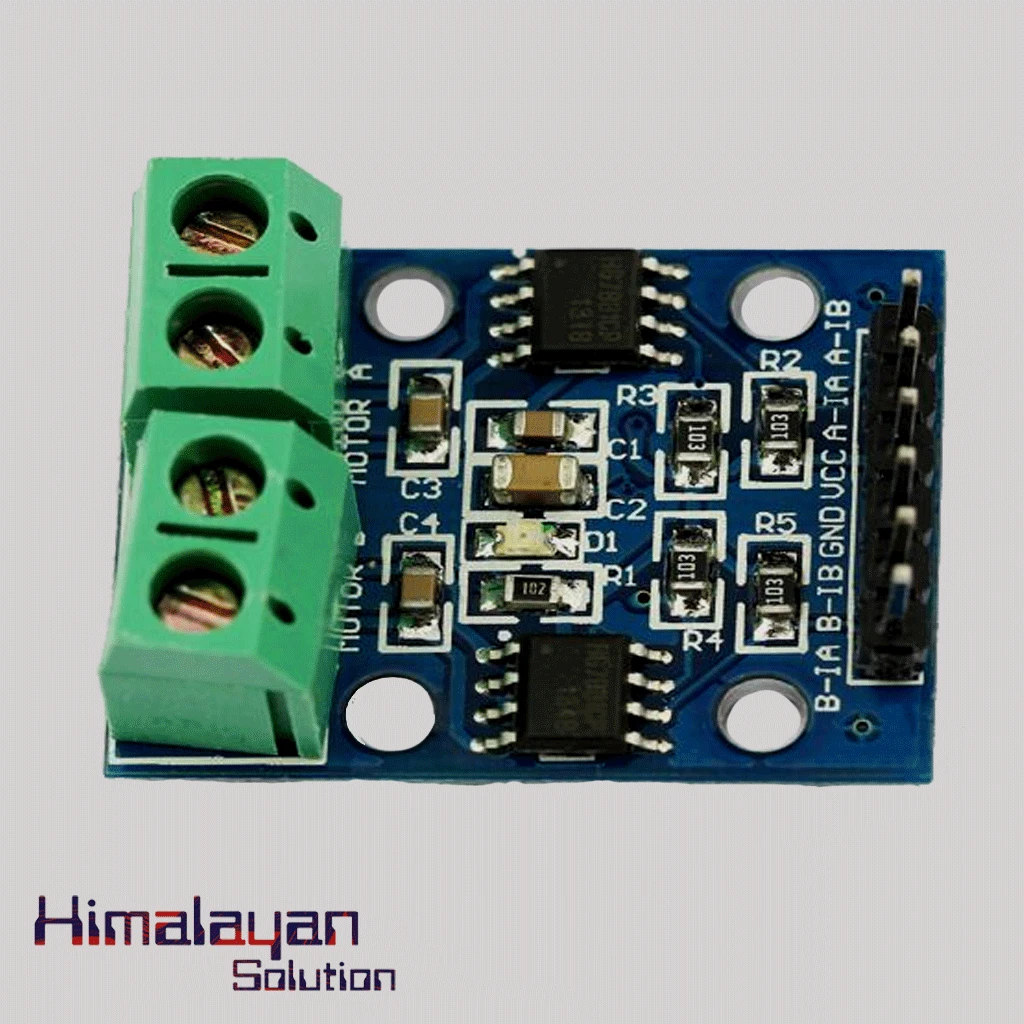
HG7881(L9110) Motor Driver Module




Share with Friends
Trading is more effective when you share products with friends!Share you link
Share to